Virtual Desktop Infrastructure (VDI) Software Resources - Page 7
Articles, Glossary Terms, Discussions, and Reports to expand your knowledge on Virtual Desktop Infrastructure (VDI) Software
Resource pages are designed to give you a cross-section of information we have on specific categories. You'll find articles from our experts, feature definitions, discussions from users like you, and reports from industry data.
Virtual Desktop Infrastructure (VDI) Software Articles

How to Turn VDI Into a Remote Worker's Dream

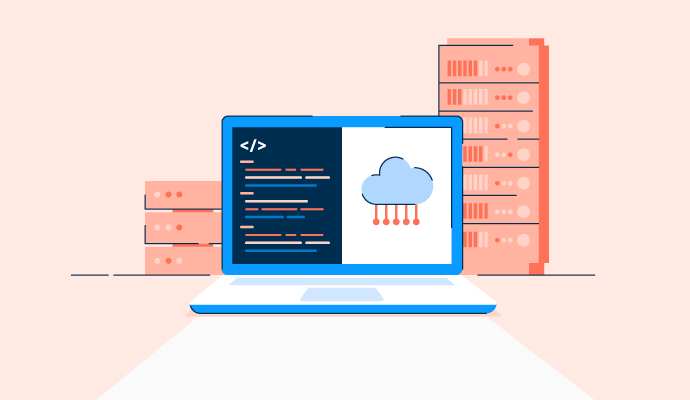
What Is Software-defined Storage? Benefits and Best Solutions

How to Stay Organized When Closing Books Remotely
How VDI Security Can Offer Your Business Peace of Mind
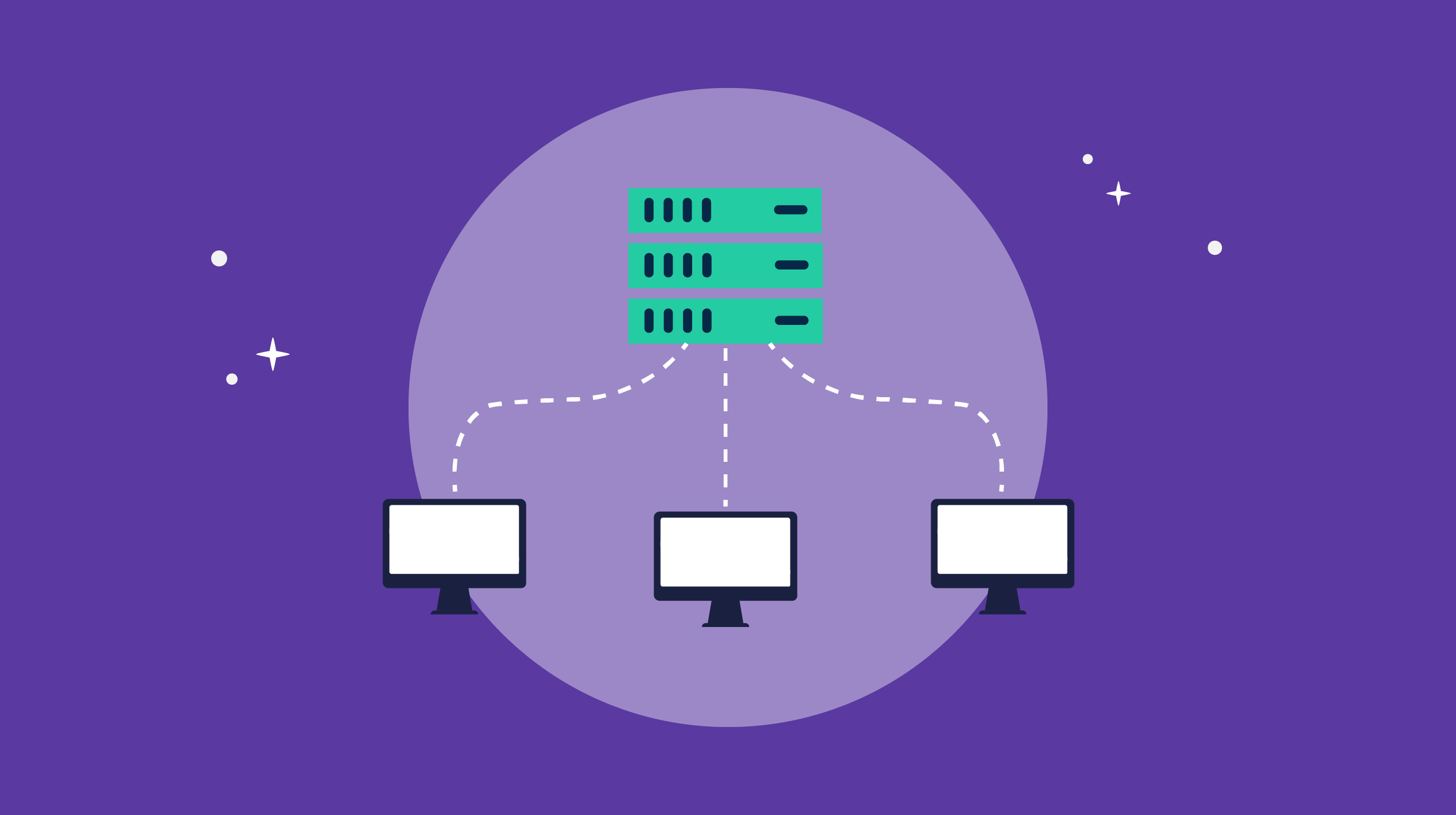
VDI Implementation: It Doesn't Have to Be a Headache

How COVID-19 Is Impacting Data Professionals

The G2 on the Cloud: The History of Cloud Adoption
Virtual Desktop Infrastructure (VDI) Software Glossary Terms
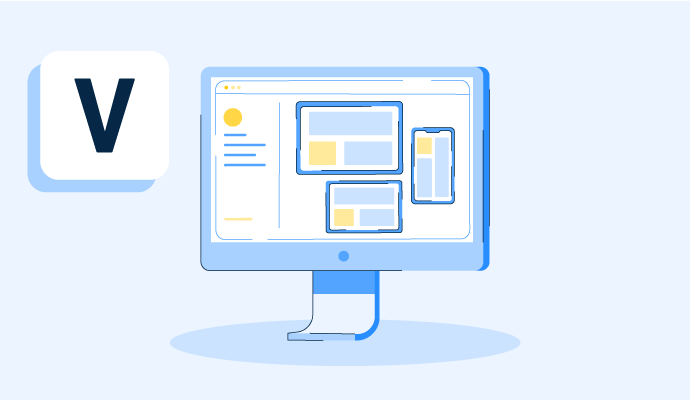
A virtual desktop is an operating system hosted on a central server and streamed to any device. Learn how virtual desktops work, plus their pros and cons.

Hyperconverged storage is an element of hyperconverged infrastructure. Discover how hyperconvergence works and helps organizations scale.
Virtual Desktop Infrastructure (VDI) Software Discussions
What's the best virtual desktop infrastructure (VDI) for teams needing both ease of use and enterprise-grade security features? The tension here is real. Tools built for simplicity often cut corners on security controls, while tools built for enterprise compliance tend to be complex, making day-to-day use frustrating. Finding something that sits in both camps is harder than it sounds.
Looking at reviews in the virtual desktop infrastructure (VDI) category for this specific combination, here's the framework worth applying:
- Ease of use means: fast user onboarding, accessible from any device without installs, minimal help desk tickets from end users
- Enterprise-grade security means: session isolation, data loss prevention controls, multi-factor authentication support, audit logging, and zero-trust architecture options
From reviews in this category:
- Kasm Workspaces: One of the few tools where both sides of this equation show up in the same review. Reviewers describe containerized, ephemeral sessions that eliminate the risk of data persisting between users, browser-based access that requires nothing installed on the endpoint, and zero-trust-ready architecture. The security team benefits from session isolation and DLP controls; the end users get a simple browser login. One reviewer noted that integrating with Microsoft Identity was straightforward and resulted in minimal support tickets after go-live.
- Nerdio Manager: Security is handled through the Microsoft stack it sits on. Reviewers describe centralized policy management, role-based access controls, and consistent enforcement of security settings across all desktops at once. The ease-of-use advantage is that those controls are managed from one place rather than applied machine by machine. For organizations already in Azure, this means enterprise-level security without having to stand up a separate tool.
- V2 Cloud: One reviewer described centralizing applications and data, controlling access, and avoiding physical hardware entirely across a multi-continent business, without an internal IT department. The platform's managed nature means the security infrastructure is maintained by V2 Cloud, which removes the operational burden but also limits customization of security policies for organizations with specific compliance requirements.
- Citrix DaaS: Its enterprise-grade security depth is why it leads the Enterprise Grid. Reviewers describe MCS-based deployment, multiple authentication methods including SAML and Azure AD, HDX optimization, and centralized management of large VM catalogs. The trade-off is complexity: it's not a fast setup tool, and smaller teams find the licensing cost hard to justify relative to their actual needs.
For teams making this trade-off, how much of the security requirement is driven by compliance mandates, and how much is internal policy? The answer often changes, which platform makes sense?
Cameyo is one more to weigh: reviewers describe it as delivering apps to any device without shipping the Windows OS, which shrinks the attack surface. Where it's HIPAA or SOC 2, the configurable-policy tools you listed earn their complexity because auditors want controls you can demonstrate. A mandate justifies that heavier setup; an internal policy rarely does.
One practical dimension worth adding: how the experience holds up on a mediocre home connection. Security controls and admin simplicity get evaluated in the office, while the daily verdict comes from someone on hotel wifi. Kasm's browser-based access comes up partly for that reason, since there's nothing to install or update at the endpoint.
Compliance mandates would push me toward deeper controls even if setup is heavier, while internal policy gives more room to prioritize usability. For teams already on Azure, Nerdio feels like the easiest balance; for stricter isolation needs, Kasm stands out more.
What's the best virtual desktop infrastructure (VDI) for teams needing both ease of use and enterprise-grade security features? The tension here is real. Tools built for simplicity often cut corners on security controls, while tools built for enterprise compliance tend to be complex, making day-to-day use frustrating. Finding something that sits in both camps is harder than it sounds.
Looking at reviews in the virtual desktop infrastructure (VDI) category for this specific combination, here's the framework worth applying:
- Ease of use means: fast user onboarding, accessible from any device without installs, minimal help desk tickets from end users
- Enterprise-grade security means: session isolation, data loss prevention controls, multi-factor authentication support, audit logging, and zero-trust architecture options
From reviews in this category:
- Kasm Workspaces: One of the few tools where both sides of this equation show up in the same review. Reviewers describe containerized, ephemeral sessions that eliminate the risk of data persisting between users, browser-based access that requires nothing installed on the endpoint, and zero-trust-ready architecture. The security team benefits from session isolation and DLP controls; the end users get a simple browser login. One reviewer noted that integrating with Microsoft Identity was straightforward and resulted in minimal support tickets after go-live.
- Nerdio Manager: Security is handled through the Microsoft stack it sits on. Reviewers describe centralized policy management, role-based access controls, and consistent enforcement of security settings across all desktops at once. The ease-of-use advantage is that those controls are managed from one place rather than applied machine by machine. For organizations already in Azure, this means enterprise-level security without having to stand up a separate tool.
- V2 Cloud: One reviewer described centralizing applications and data, controlling access, and avoiding physical hardware entirely across a multi-continent business, without an internal IT department. The platform's managed nature means the security infrastructure is maintained by V2 Cloud, which removes the operational burden but also limits customization of security policies for organizations with specific compliance requirements.
- Citrix DaaS: Its enterprise-grade security depth is why it leads the Enterprise Grid. Reviewers describe MCS-based deployment, multiple authentication methods including SAML and Azure AD, HDX optimization, and centralized management of large VM catalogs. The trade-off is complexity: it's not a fast setup tool, and smaller teams find the licensing cost hard to justify relative to their actual needs.
For teams making this trade-off, how much of the security requirement is driven by compliance mandates, and how much is internal policy? The answer often changes, which platform makes sense?
Cameyo is one more to weigh: reviewers describe it as delivering apps to any device without shipping the Windows OS, which shrinks the attack surface. Where it's HIPAA or SOC 2, the configurable-policy tools you listed earn their complexity because auditors want controls you can demonstrate. A mandate justifies that heavier setup; an internal policy rarely does.
One practical dimension worth adding: how the experience holds up on a mediocre home connection. Security controls and admin simplicity get evaluated in the office, while the daily verdict comes from someone on hotel wifi. Kasm's browser-based access comes up partly for that reason, since there's nothing to install or update at the endpoint.
Compliance mandates would push me toward deeper controls even if setup is heavier, while internal policy gives more room to prioritize usability. For teams already on Azure, Nerdio feels like the easiest balance; for stricter isolation needs, Kasm stands out more.
Getting a VDI platform adopted by non-technical teams is a different problem from getting it technically deployed. IT can stand something up over a weekend, but if the end users find it confusing, slow to connect, or just unfamiliar enough to generate a help desk surge, the rollout is only half-successful.
Looking through reviews in the virtual desktop infrastructure (VDI) category, where reviewers specifically mention non-technical users or end-user adoption, three platforms stand out: V2 Cloud, Nerdio Manager, and Kasm Workspaces.
- V2 Cloud: The adoption stories are some of the most specific in the category. One admin described setting up a new employee with a desktop pre-loaded with all required applications on their first login, eliminating the need for any onboarding IT steps. Another described an entirely new VDI environment standing up in 15–20 minutes without external help. The screensharing link feature means admins can assist non-technical users without installing anything on either side.
- Nerdio Manager: The adoption benefit for end users comes from standardization. Reviewers describe all employees across locations having identical desktop environments, applications, and security, so the help desk isn't fielding questions about why one person's setup looks different from another's. The admin overhead required to keep that consistency is also lower, which means IT spends less time on individual machine issues and more on structural work.
- Kasm Workspaces: The browser-based access model is the key advantage for adoption here. One reviewer reported that the user-friendly interface reduced help desk ticket volume after deployment. Another described non-IT-literate finance team members finding it easy to use after 12 months. Because it runs in a browser, there's no software to install on the end-user side, which removes the most common friction in VDI rollouts.
- VirtualBox: Sits at a different point on this axis. The creation wizard is approachable, and reviewers describe handing it to junior teammates without much hand-holding. But it's primarily an admin and developer tool rather than an end-user-first design, and the first-run experience has some rough edges that show up when people are unfamiliar with virtualization concepts.
What's the actual adoption bottleneck your team has run into with VDI? Is it the connection experience, the familiarity gap, or something about how the desktop behaves compared to what people expect?
Splitting adoption from deployment is the right framing, and Kasm's browser login is a good call to address the familiarity gap. The tool that rounds this out is Amazon WorkSpaces, whose reviewers point to an identical desktop across Windows, Mac, tablet, and browser, so staff don't have to relearn per device. On the connection side, those same reviews are blunt that latency, not the interface, is what decides it. If your bottleneck is the third one, behavior versus expectation, it usually only bites on a graphics-heavy task that the instance wasn't sized for.
The connection experience would be the first adoption bottleneck I’d eliminate. Non-technical users shouldn’t need to understand VDI just to start working. Browser-based access like Kasm’s sounds particularly useful because removing client installation and configuration makes the virtual desktop feel more like opening another work app than learning a new piece of infrastructure.
Kasm Workspaces removing client installation entirely by running in a browser seems like the most direct way to close the familiarity gap for non-technical users, since it starts feeling like opening another work app rather than learning new infrastructure.