Virtual Desktop Infrastructure (VDI) Software Resources - Page 3
Articles, Glossary Terms, Discussions, and Reports to expand your knowledge on Virtual Desktop Infrastructure (VDI) Software
Resource pages are designed to give you a cross-section of information we have on specific categories. You'll find articles from our experts, feature definitions, discussions from users like you, and reports from industry data.
Virtual Desktop Infrastructure (VDI) Software Articles

How to Turn VDI Into a Remote Worker's Dream

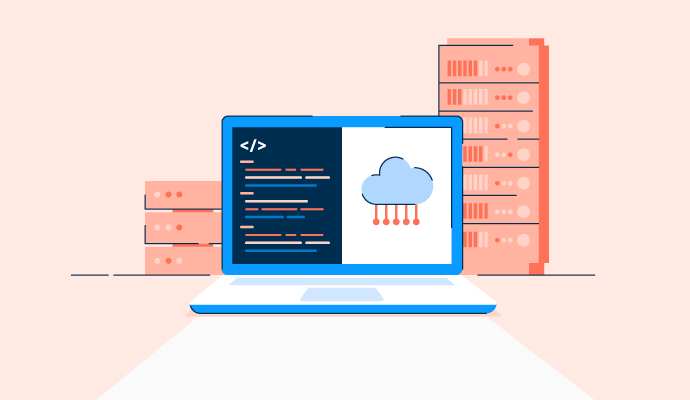
What Is Software-defined Storage? Benefits and Best Solutions

How to Stay Organized When Closing Books Remotely
How VDI Security Can Offer Your Business Peace of Mind
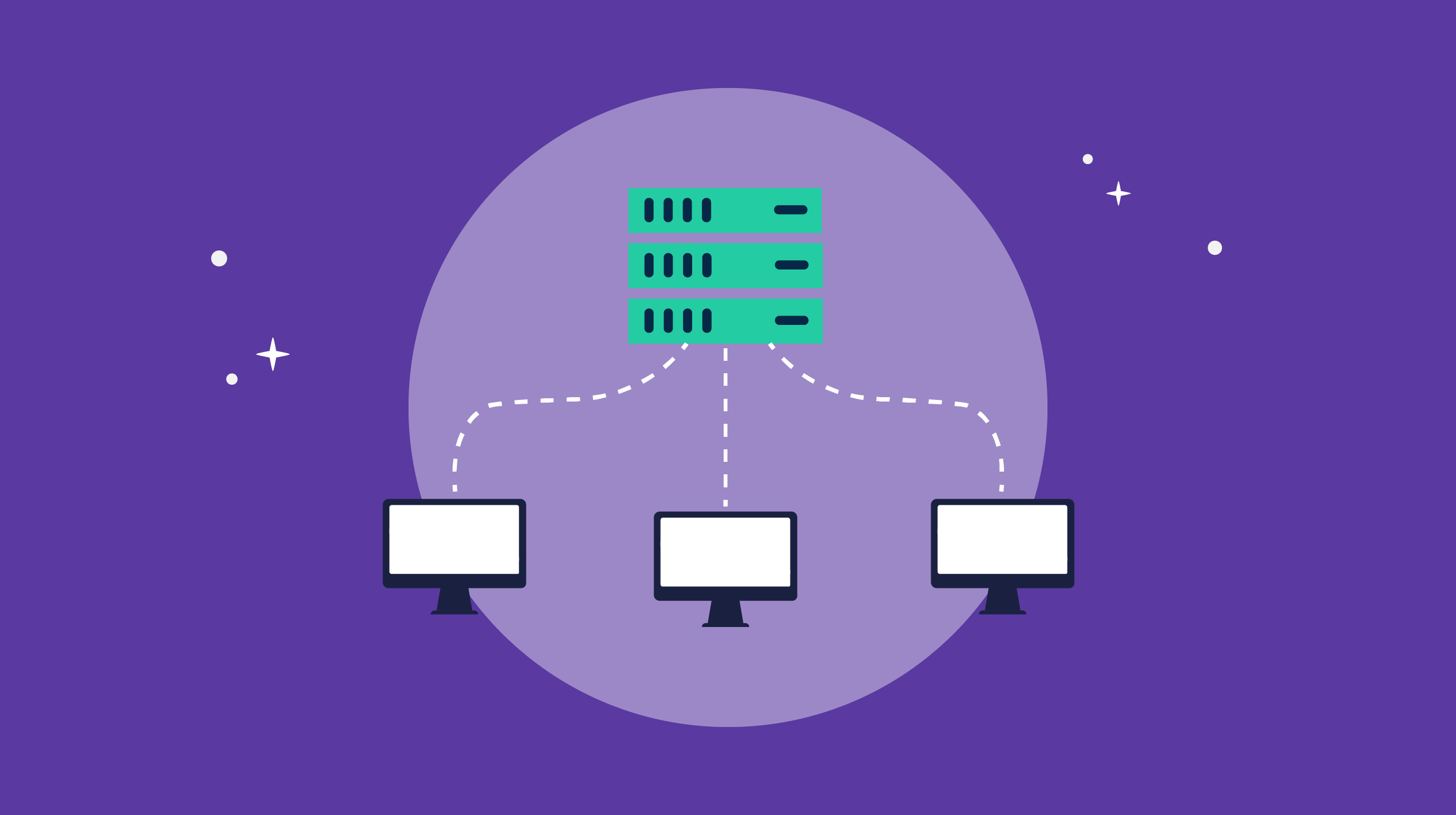
VDI Implementation: It Doesn't Have to Be a Headache

How COVID-19 Is Impacting Data Professionals

The G2 on the Cloud: The History of Cloud Adoption
Virtual Desktop Infrastructure (VDI) Software Glossary Terms
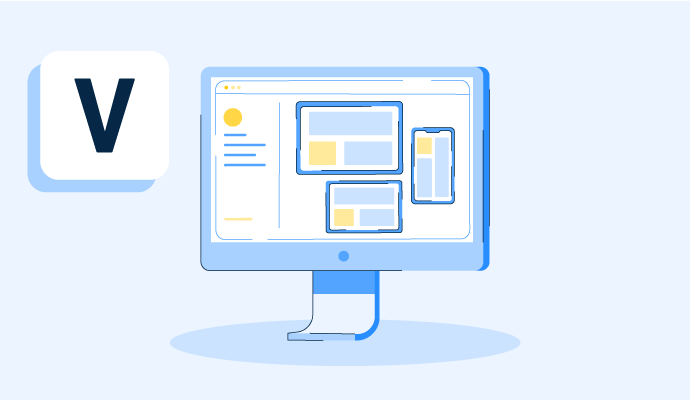
A virtual desktop is an operating system hosted on a central server and streamed to any device. Learn how virtual desktops work, plus their pros and cons.
Hyperconverged storage is an element of hyperconverged infrastructure. Discover how hyperconvergence works and helps organizations scale.
Virtual Desktop Infrastructure (VDI) Software Discussions
This is one of the more specific comparison questions worth unpacking carefully, because the cost structure difference between these two is real, and the security gap is smaller than it might appear.
The per-user licensing issue with Citrix is well documented in reviews. Mid-market teams consistently flag it as the reason they're evaluating alternatives. V2 Cloud's pricing model is simpler and more predictable. But "enterprise-grade security" covers a lot of ground, and the answer depends on what security requirements actually matter for your environment.
From reviews in the virtual desktop infrastructure (VDI) category across both platforms:
- Citrix DaaS (4.1 stars, 546 reviews): Best for mid-market teams with complex compliance requirements, multi-vendor infrastructure (Azure and VMware together), or the need to publish individual applications rather than full desktops. Enterprise Grid Leader. Reviewers describe it as handling large VM catalogs with multiple delivery groups, supporting SAML, Azure AD, and Okta authentication, and managing centralized policy across distributed users. The security capability is real and deep. The cost reality: reviewers at 50–500-employee organizations consistently describe licensing as a barrier, and the setup's complexity means IT involvement at a level many mid-market teams can't sustain internally.
- V2 Cloud (4.7 stars, 248 reviews): Best for mid-market teams that need reliable remote access, centralized data, and fast deployment without building internal VDI expertise. Fully managed platform, so the security infrastructure is handled by V2 Cloud's team rather than your IT department. Reviewers describe data being stored on personal devices, encrypted access, and centralized control over who can access what. The security model is less configurable than Citrix, but sufficient for most mid-market compliance contexts. One reviewer with a multi-continent business managed it without an internal IT department.
The core trade-off: Citrix gives you more control over security configuration, which matters if your compliance requirements are specific (e.g., HIPAA, SOC 2, regulated financial services). V2 Cloud handles security for you in a managed model, which matters if your team doesn't have the capacity to configure and maintain those controls internally. For mid-market teams sitting on Citrix and evaluating V2 Cloud as an alternative, what's the compliance requirement that's keeping you on Citrix? That usually defines whether a migration makes sense.
Citrix's cost buys controls you can configure and show an auditor, which is decisive under a specific regulation and overkill without one. V2 Cloud drops the licensing weight and most of the upkeep, but with a lower ceiling if requirements tighten later. Pin down whether you're buying for a named rule or a general standard, and the rest mostly settles itself.
This is one of the more specific comparison questions worth unpacking carefully, because the cost structure difference between these two is real, and the security gap is smaller than it might appear.
The per-user licensing issue with Citrix is well documented in reviews. Mid-market teams consistently flag it as the reason they're evaluating alternatives. V2 Cloud's pricing model is simpler and more predictable. But "enterprise-grade security" covers a lot of ground, and the answer depends on what security requirements actually matter for your environment.
From reviews in the virtual desktop infrastructure (VDI) category across both platforms:
- Citrix DaaS (4.1 stars, 546 reviews): Best for mid-market teams with complex compliance requirements, multi-vendor infrastructure (Azure and VMware together), or the need to publish individual applications rather than full desktops. Enterprise Grid Leader. Reviewers describe it as handling large VM catalogs with multiple delivery groups, supporting SAML, Azure AD, and Okta authentication, and managing centralized policy across distributed users. The security capability is real and deep. The cost reality: reviewers at 50–500-employee organizations consistently describe licensing as a barrier, and the setup's complexity means IT involvement at a level many mid-market teams can't sustain internally.
- V2 Cloud (4.7 stars, 248 reviews): Best for mid-market teams that need reliable remote access, centralized data, and fast deployment without building internal VDI expertise. Fully managed platform, so the security infrastructure is handled by V2 Cloud's team rather than your IT department. Reviewers describe data being stored on personal devices, encrypted access, and centralized control over who can access what. The security model is less configurable than Citrix, but sufficient for most mid-market compliance contexts. One reviewer with a multi-continent business managed it without an internal IT department.
The core trade-off: Citrix gives you more control over security configuration, which matters if your compliance requirements are specific (e.g., HIPAA, SOC 2, regulated financial services). V2 Cloud handles security for you in a managed model, which matters if your team doesn't have the capacity to configure and maintain those controls internally. For mid-market teams sitting on Citrix and evaluating V2 Cloud as an alternative, what's the compliance requirement that's keeping you on Citrix? That usually defines whether a migration makes sense.
Citrix's cost buys controls you can configure and show an auditor, which is decisive under a specific regulation and overkill without one. V2 Cloud drops the licensing weight and most of the upkeep, but with a lower ceiling if requirements tighten later. Pin down whether you're buying for a named rule or a general standard, and the rest mostly settles itself.
The uptime and data loss question is where marketing claims and review reality tend to diverge the most. Every VDI vendor promises reliability. What reviewers actually describe is more nuanced and worth paying attention to.
From reviews in the virtual desktop infrastructure (VDI) category, where reliability and data protection are mentioned:
- V2 Cloud: The reliability pattern in reviews is notably consistent. Multiple reviewers describe it as a platform where "nothing breaks," and one described great uptime as the primary reason for staying after two-plus years. One reviewer at an accounting firm specifically described it as preventing client files from being stored on personal computers, which is both a data-loss prevention and a compliance tool. The support team's response time is what reviewers cite when something does go wrong: phone and chat responses are described as fast and effective at resolving issues.
- Nerdio Manager inherits the Azure infrastructure SLA. Reviewers describe using it to enforce consistent security and compliance standards across all desktops simultaneously, with monitoring and visibility into endpoint performance. One reviewer described the platform as keeping everything organized so that when something goes wrong, the source is visible rather than requiring a search through disconnected systems. The autoscaling behavior is the one area reviewers flag for careful setup: misconfigured scaling rules can have downstream cost and availability effects.
- Kasm Workspaces: Data loss prevention is built into the product architecture. Ephemeral sessions mean that by default, nothing persists after a session ends, which is the DLP model some security teams explicitly want. Reviewers describe using this intentionally: spin up a session, do the work, close it, and nothing survives. For organizations handling sensitive files or working in regulated environments, this is the most defensible data posture in the category.
- Citrix DaaS: Enterprise reviewers describe it as the solution that keeps large organizations running when local hardware fails. Centralized management means a machine issue doesn't become a loss of user productivity, because the desktop exists in the cloud. The performance-related criticisms (latency under bandwidth stress, Teams audio issues) don't affect uptime per se but do affect the reliability of the user experience.
When you're evaluating uptime promises, are you looking at infrastructure SLAs or at actual user-reported experience consistency? Those are different numbers, and they tell different stories.
Your distinction between SLA and lived consistency is useful and often challenging for vendors. Workspot, which reports 99.95% availability, supports this with positive reviews, showing improved work-from-home setups and fewer on-prem troubleshooting issues. However, its specs are limited to prebuilt VM sizes, so while consistency is high, the maximum is lower. The SLA sets the minimum, and reviews indicate how closely daily performance matches it.
I’d look at both, but actual user-reported consistency would matter more after confirming the SLA meets the contractual requirement. A 99.9% infrastructure SLA doesn’t necessarily mean users experience 99.9% productive availability. I’d want to know how often sessions disconnect, performance becomes unusable, or recovery requires support intervention alongside the formal uptime figure.
Kasm Workspaces building data loss prevention into the architecture itself through ephemeral sessions, so nothing persists once the session closes, seems like a more defensible posture for regulated or sensitive work than relying on policy alone.