Virtual Desktop Infrastructure (VDI) Software Resources - Page 6
Articles, Glossary Terms, Discussions, and Reports to expand your knowledge on Virtual Desktop Infrastructure (VDI) Software
Resource pages are designed to give you a cross-section of information we have on specific categories. You'll find articles from our experts, feature definitions, discussions from users like you, and reports from industry data.
Virtual Desktop Infrastructure (VDI) Software Articles

How to Turn VDI Into a Remote Worker's Dream

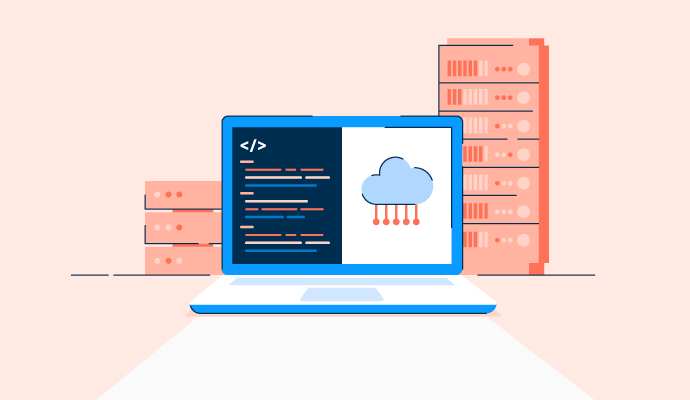
What Is Software-defined Storage? Benefits and Best Solutions

How to Stay Organized When Closing Books Remotely
How VDI Security Can Offer Your Business Peace of Mind
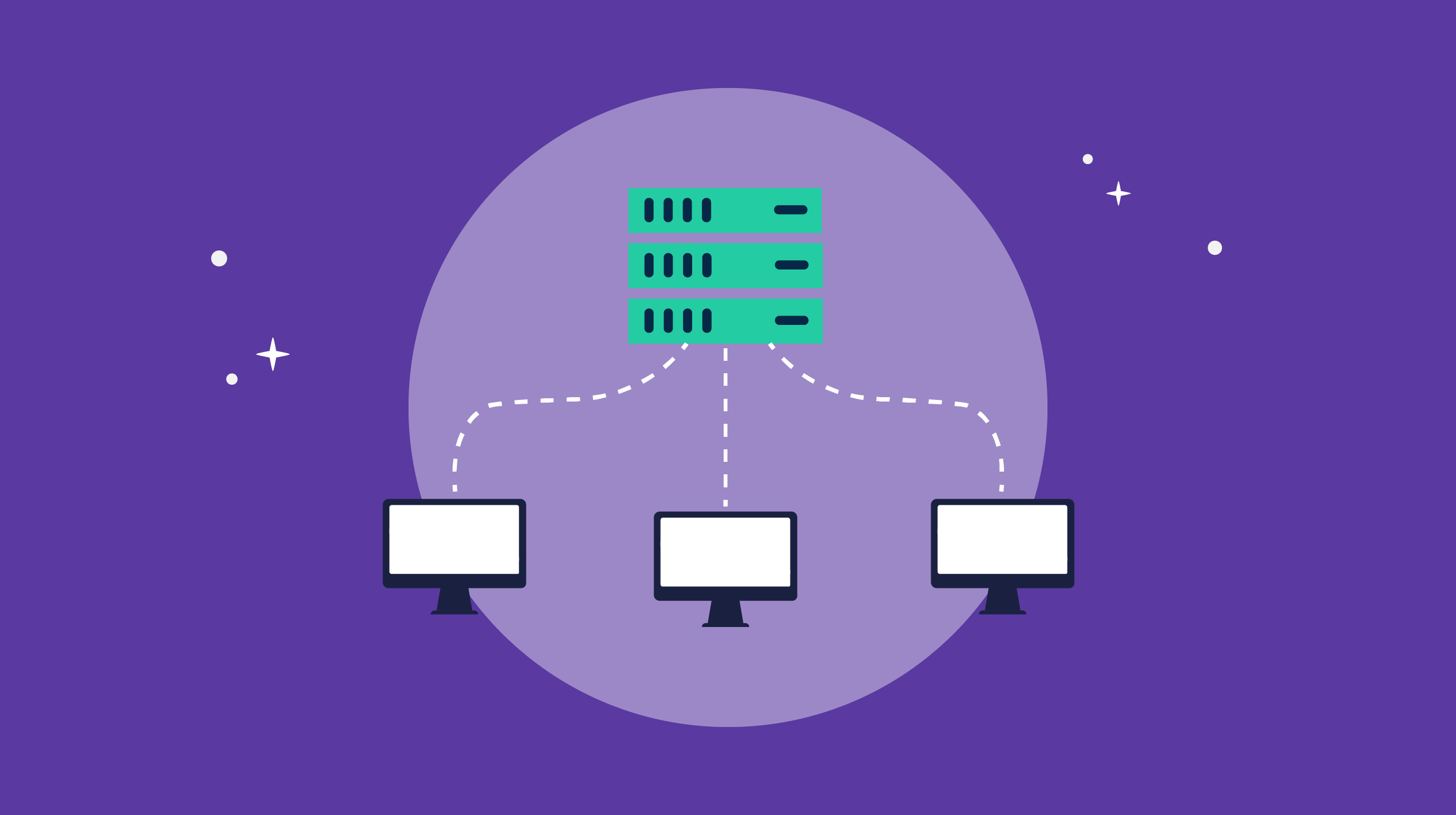
VDI Implementation: It Doesn't Have to Be a Headache

How COVID-19 Is Impacting Data Professionals

The G2 on the Cloud: The History of Cloud Adoption
Virtual Desktop Infrastructure (VDI) Software Glossary Terms
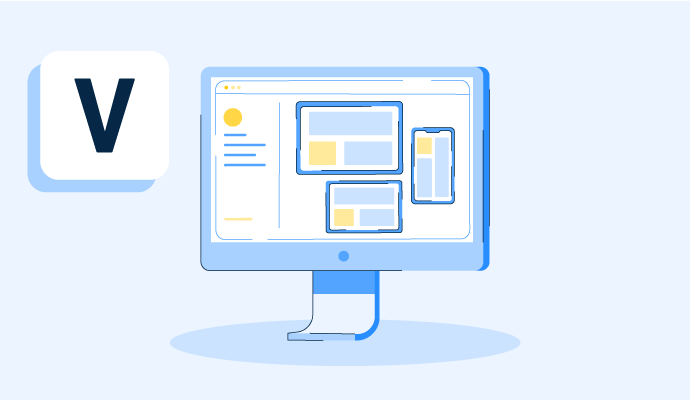
A virtual desktop is an operating system hosted on a central server and streamed to any device. Learn how virtual desktops work, plus their pros and cons.

Hyperconverged storage is an element of hyperconverged infrastructure. Discover how hyperconvergence works and helps organizations scale.
Virtual Desktop Infrastructure (VDI) Software Discussions
The combination of mobile access and real-time performance is where VDI platforms separate fairly clearly. Some tools are designed primarily for desktop or laptop access and offer mobile as an afterthought. Others are built around the assumption that users might be connecting from a phone or tablet, and the performance experience on those devices reflects that design choice.
From reviews in the virtual desktop infrastructure (VDI) category filtered for mobile access and performance feedback:
- V2 Cloud: Mobile access is explicitly cited in multiple reviews, with users describing connecting from phones and tablets as part of normal workflow rather than a backup scenario. One reviewer cited the ability to access the platform from any computer or phone, anywhere in the world, as the primary reason their team uses it. The performance caveat that keeps showing up: the entry-level plans can feel slow, and getting genuinely fast performance sometimes means upgrading to a higher-tier plan, which increases cost.
- Nerdio Manager: Reviewers describe accessing the management interface and desktops from nearly any device without installing extra certificates or software. One reviewer specifically described the browser-based access as working on a phone or tablet. The performance side is strong for standard workloads, though reviewers note that apps that need strong network connectivity (like Teams video calls) can have degraded experiences inside the VDI.
- Kasm Workspaces: The browser-based architecture means the mobile story is technically solid, since any modern browser on a mobile device can access the workspace. Reviewers describe connecting from a tablet and having a Linux desktop ready in seconds. The performance ceiling is a consideration for resource-intensive tasks: the container-based model is lighter than full VMs, which improves mobile performance, but it's not designed for GPU-intensive workloads.
- Citrix DaaS: HDX optimization is the Citrix-specific feature reviewers describe for performance tuning. It adapts the session quality to available bandwidth, which matters for mobile connections that can vary. The reviewer complained that shows up most in this context: performance degrades when network quality drops, and Teams audio/video inside the VDI is a known friction point.
For teams where mobile is the primary use case rather than a backup, what's the minimum performance threshold that makes a VDI actually usable on a phone?
The point that mobile is often an afterthought aligns with the reviews. Amazon WorkSpaces reviewers describe using phones and tablets for real work, with graphics-heavy tasks limited on lower-tier bundles. For everyday apps, a stable connection and properly sized instance matter most.
On a phone, my minimum threshold would be less about raw benchmark performance and more about interaction latency. Opening apps, typing, scrolling, and switching windows need to feel immediate enough that users don’t start avoiding the VDI. For mobile-first use, I’d also test performance on an ordinary cellular connection rather than office Wi-Fi, since that’s where the experience really proves itself.
For a mobile-first use case, I'd test on an ordinary cellular connection rather than office Wi-Fi, since that's usually where the real performance story shows up rather than in a benchmark done under ideal conditions.
Managers using VDI platforms tend to talk about a specific set of frustrations that are different from what IT admins describe. They're less concerned with how the hypervisor works and more focused on whether their team can actually work, whether costs are predictable, and whether they're going to get a call at 9pm because someone can't access their desktop.
From manager-level reviews in the virtual desktop infrastructure (VDI) category, here's where the most common pain points show up:
- V2 Cloud: The operational visibility angle comes up specifically in manager reviews. One described being able to monitor remote agent activity as an admin without being in the same location, and another described the screen-sharing feature that lets them assist team members immediately without involving IT to get involved. Cost predictability is a recurring theme: reviewers describe the pricing as manageable, though upgrading to higher-performance plans to resolve speed issues is a friction point. What does "good enough performance" mean for your team's daily work? Is speed a deal-breaker at the entry-level plans?
- Nerdio Manager: Cost control is the most manager-relevant aspect in Nerdio reviews. One reviewer described the financial visibility and management of cloud desktops as the primary reason they open it daily, setting capacity rules based on staff working hours and seeing the difference in infrastructure spend. Another described Azure cost reductions of 15–80% in practice, depending on the environment. For managers who've had cloud spend spiral past projections, is the autoscaling transparency something to can actually see, or does it stay inside IT?
- Kasm Workspaces: Managers in security-adjacent roles describe it as reducing their exposure to incidents. The isolated, throwable session model means a team member opening a suspicious link or working with unverified files isn't a potential compromise of the whole environment. One manager noted that after deployment, the number of help desk tickets from their team dropped because the browser-based interface was stable and required no local setup. Does your current VDI generate more tickets than it solves?
- Citrix DaaS: Enterprise managers at large organizations describe it as the tool that keeps everyone in the same environment regardless of location. Reviewers in healthcare, financial services, and telecom describe it as what makes remote and hybrid work operationally consistent. The management pain point that shows up most in reviews: licensing cost and the complexity of scaling up or down based on team size.
Across all of these, the manager's pain point is user performance complaints. When a desktop feels slow, users escalate to managers before they go to IT. Which platforms have your teams flagged most for that?
Based on the reviews, the platform itself is less important than the quality of the connection. The key difference in tools is how quickly they respond to complaints, meaning support speed is more crucial than raw throughput. Therefore, when platform teams flag slow performance, it's often due to the weakest network path rather than an overall ranking.
Managers using VDI platforms tend to talk about a specific set of frustrations that are different from what IT admins describe. They're less concerned with how the hypervisor works and more focused on whether their team can actually work, whether costs are predictable, and whether they're going to get a call at 9pm because someone can't access their desktop.
From manager-level reviews in the virtual desktop infrastructure (VDI) category, here's where the most common pain points show up:
- V2 Cloud: The operational visibility angle comes up specifically in manager reviews. One described being able to monitor remote agent activity as an admin without being in the same location, and another described the screen-sharing feature that lets them assist team members immediately without involving IT to get involved. Cost predictability is a recurring theme: reviewers describe the pricing as manageable, though upgrading to higher-performance plans to resolve speed issues is a friction point. What does "good enough performance" mean for your team's daily work? Is speed a deal-breaker at the entry-level plans?
- Nerdio Manager: Cost control is the most manager-relevant aspect in Nerdio reviews. One reviewer described the financial visibility and management of cloud desktops as the primary reason they open it daily, setting capacity rules based on staff working hours and seeing the difference in infrastructure spend. Another described Azure cost reductions of 15–80% in practice, depending on the environment. For managers who've had cloud spend spiral past projections, is the autoscaling transparency something to can actually see, or does it stay inside IT?
- Kasm Workspaces: Managers in security-adjacent roles describe it as reducing their exposure to incidents. The isolated, throwable session model means a team member opening a suspicious link or working with unverified files isn't a potential compromise of the whole environment. One manager noted that after deployment, the number of help desk tickets from their team dropped because the browser-based interface was stable and required no local setup. Does your current VDI generate more tickets than it solves?
- Citrix DaaS: Enterprise managers at large organizations describe it as the tool that keeps everyone in the same environment regardless of location. Reviewers in healthcare, financial services, and telecom describe it as what makes remote and hybrid work operationally consistent. The management pain point that shows up most in reviews: licensing cost and the complexity of scaling up or down based on team size.
Across all of these, the manager's pain point is user performance complaints. When a desktop feels slow, users escalate to managers before they go to IT. Which platforms have your teams flagged most for that?
Based on the reviews, the platform itself is less important than the quality of the connection. The key difference in tools is how quickly they respond to complaints, meaning support speed is more crucial than raw throughput. Therefore, when platform teams flag slow performance, it's often due to the weakest network path rather than an overall ranking.