Prototyping Software Resources
Articles, Glossary Terms, Discussions, and Reports to expand your knowledge on Prototyping Software
Resource pages are designed to give you a cross-section of information we have on specific categories. You'll find articles from our experts, feature definitions, discussions from users like you, and reports from industry data.
Prototyping Software Articles
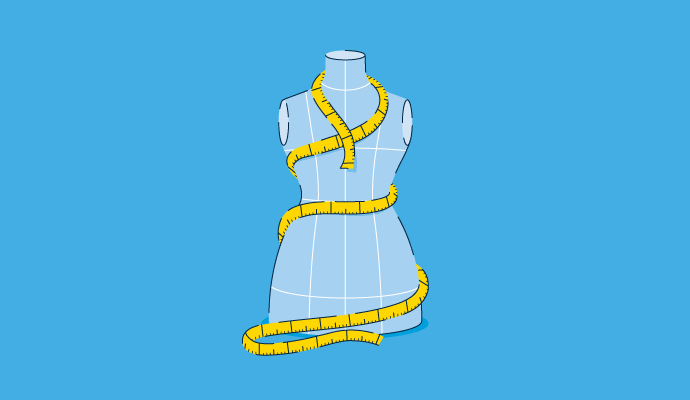
Product Design: Create a Product Your Customers Will Love
What’s one thing you use daily?
by Mara Calvello
Prototyping Software Glossary Terms
Prototyping Software Discussions
0
Question on: Figma
Is there a way to drag and drop an image into a shape as a fill?ctrl + shift + k on windows
Show More
Show Less
0
Question on: Figma
How do I resize a photo without changing the frame size?I can't crop into a photo while using Figma; I have to go and edit the image itself and then drop it in. Any way to work this out?
Show More
Show Less
To resize a photo in Figma without changing the frame size, you can use the "Transform" panel to adjust the size of the photo while keeping the frame size fixed. Here's how to do it:
Select the photo that you want to resize.
In the "Transform" panel, uncheck the "Lock aspect ratio" option. This will allow you to adjust the width and height of the photo independently.
Use the "Width" and "Height" fields in the "Transform" panel to adjust the size of the photo. You can also use the handles on the photo itself to resize it.
If you want to keep the original aspect ratio of the photo while resizing it, you can hold down the "Shift" key while dragging the handles or while using the "Width" and "Height" fields. This will constrain the aspect ratio and prevent the photo from becoming distorted.
By following these steps, you should be able to resize the photo in Figma without changing the size of the frame. Note that this technique only works for resizing photos within a frame; if you want to resize the frame itself, you will need to use different techniques.
Show More
Show Less
0
Question on: Figma
Automated converter for convert among Figma, Xd and SketchHello everyone, There are three main desing platforms figma, xd and sketch for ui/ux designers. I will be glad to know if anyone feels the need of a automatedd converter that can convert a design among figma, xd and sketch within a few seconds. Thank you
Show More
Show Less
This information about SEO services is very relative. But sometimes you need to change jpg files to the word files for your assignment work. For this, you can visit https://www.fossguru.com/jpg-to-word-converter-online/ website where you can find the tools for converting jpg to word. This may make your document in readable form and it becomes easy to understand.
Show More
Show Less
Prototyping Software Reports
Mid-Market Grid® Report for Prototyping
Spring 2026
G2 Report: Grid® Report
Grid® Report for Prototyping
Spring 2026
G2 Report: Grid® Report
Enterprise Grid® Report for Prototyping
Spring 2026
G2 Report: Grid® Report
Momentum Grid® Report for Prototyping
Spring 2026
G2 Report: Momentum Grid® Report
Small-Business Grid® Report for Prototyping
Spring 2026
G2 Report: Grid® Report
Enterprise Grid® Report for Prototyping
Winter 2026
G2 Report: Grid® Report
Small-Business Grid® Report for Prototyping
Winter 2026
G2 Report: Grid® Report
Mid-Market Grid® Report for Prototyping
Winter 2026
G2 Report: Grid® Report
Grid® Report for Prototyping
Winter 2026
G2 Report: Grid® Report
Momentum Grid® Report for Prototyping
Winter 2026
G2 Report: Momentum Grid® Report