Prototyping Software Resources
Articles, Glossary Terms, Discussions, and Reports to expand your knowledge on Prototyping Software
Resource pages are designed to give you a cross-section of information we have on specific categories. You'll find articles from our experts, feature definitions, discussions from users like you, and reports from industry data.
Prototyping Software Articles
Prototyping Software Glossary Terms
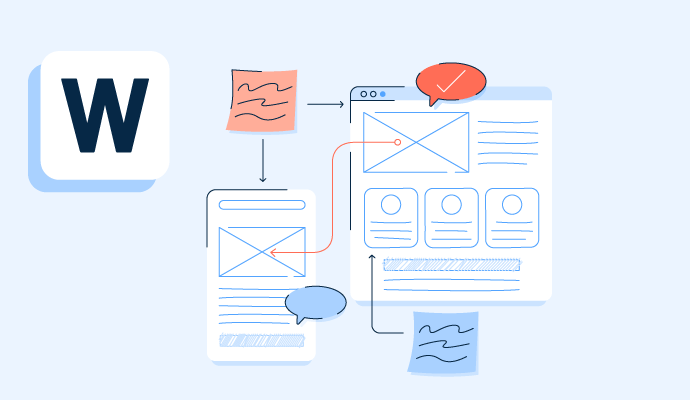
A wireframe is a visual layout that helps developers understand and design websites or software applications. Learn more about its types and benefits.
by Sagar Joshi

Application lifecycle management is an integrated system of people, software, and processes to manage software development. Learn more about its benefits.
by Sagar Joshi
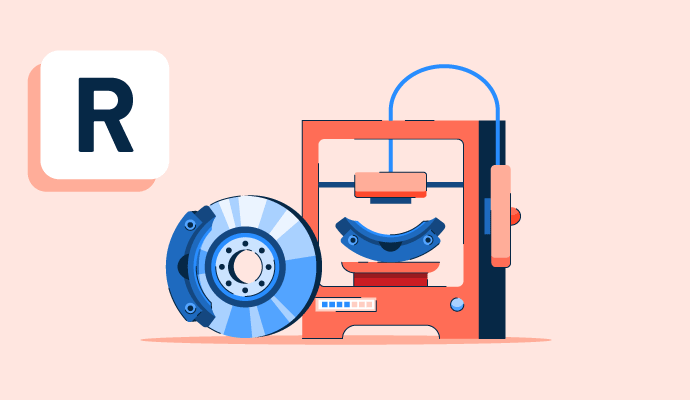
Rapid prototyping is a product development method where engineers iterate and refine a product after seeking user feedback. Learn about its benefits.
by Sagar Joshi
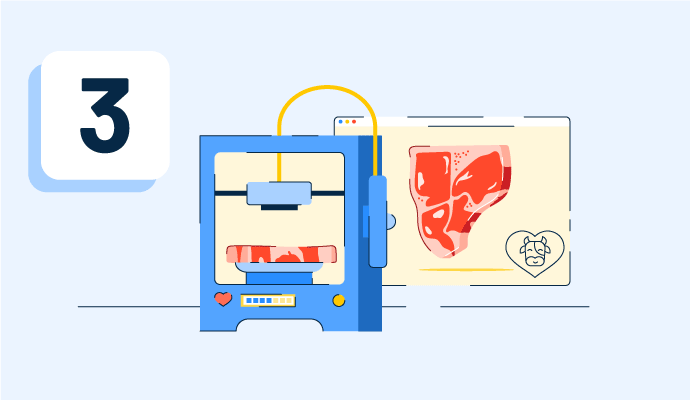
3D printing is an additive method that builds up layers of material to form a three-dimensional object. Read about its types, technologies, and utilities.
by Samudyata Bhat
Mockups are renderings of designs or products that bring ideas to life. Read about the types, benefits, and best practices for better decision-making.
by Alyssa Towns
Prototyping Software Discussions
Answered: Eric Harris on January 5, 2025
Figma is mainly used for designing UI and UX for apps, websites and digital products. I use it to create layouts, wireframes and complete design screens. It also allows real-time collaboration, so multiple people can work together.
Answered: Priyanshu Jha on April 14, 2026
It offers features for UX/UI design, prototyping, vector editing, component creation, etc.
Answered: Saba Parveen on April 14, 2026
Figma do UI/UX design, prototyping, and collaborative design work, especially for websites and apps. It allows designers to create user interfaces, wireframes, and design systems, while facilitating real-time collaboration and feedback.
Answered: Joe Jo on April 14, 2026
Answered: Annon D'Sa on March 24, 2022
I’m solving UI/UX design and collaboration challenges by keeping all design work, prototyping and feedback in one place. It removes the need for multiple tools and makes teamwork much easier in real time.
The biggest benefit I’ve realized is faster design workflow, smooth communication with team members, and fewer errors during revisions. It really improves productivity and helps deliver projects more efficiently.
Answered: Umar raja Razzaq on May 15, 2026
XD supports and can open files from Illustrator, Photoshop, Photoshop Sketch, and After Effects. In addition to the Adobe Creative Cloud, XD can also connect to other tools and services such as Slack and Microsoft Teams to collaborate. XD is also able to auto-adjust and move from macOS to Windows.
Answered: Dhaval Radadiya on February 13, 2022
Answered: Hayden Ralph on March 29, 2022
Prototyping Software Reports
Mid-Market Grid® Report for Prototyping
Fall 2026
Grid® Report for Prototyping
Fall 2026
Enterprise Grid® Report for Prototyping
Fall 2026
Momentum Grid® Report for Prototyping
Fall 2026
G2 Report: Momentum Grid® Report
Small-Business Grid® Report for Prototyping
Fall 2026
Enterprise Grid® Report for Prototyping
Summer 2026
Small-Business Grid® Report for Prototyping
Summer 2026
Mid-Market Grid® Report for Prototyping
Summer 2026
Grid® Report for Prototyping
Summer 2026
Momentum Grid® Report for Prototyping
Summer 2026
G2 Report: Momentum Grid® Report