Project Management Software Resources - Page 36
Related Content, Glossary Terms, Discussions, and Reports to expand your knowledge on Project Management Software
Resource pages are designed to give you a cross-section of information we have on specific categories. You'll find related content from our experts, feature definitions, discussions from users like you, and reports from industry data.
Related Content

5 Project Management Styles to Motivate Team Members

9 Best Free Project Management Software For Software Teams in 2026

Project Onboarding 101: Essential Steps for a Successful Start























Project Management Software Glossary Terms

A burndown chart shows the amount of work remaining in a project and the amount of time left to complete it. Discover its benefits and best practices.

Project scope is a set of outlined boundaries that define the terms of a project, its deliverables, and deadlines. Learn about its types and benefits.

Digital transformation modernizes an organization’s products and processes with new digital technologies. Learn more about its types and the process.

Practiced by agile teams, a user story is a statement that describes a desire the user has for a specific feature in a product. Keep reading to learn more.

Resource management is the process of organizing business assets to provide the greatest value and benefit to a company. Learn its types and benefits.

Cost control is a project management practice where expenses are identified and reviewed against projected revenue to increase business profitability.

Application lifecycle management is an integrated system of people, software, and processes to manage software development. Learn more about its benefits.
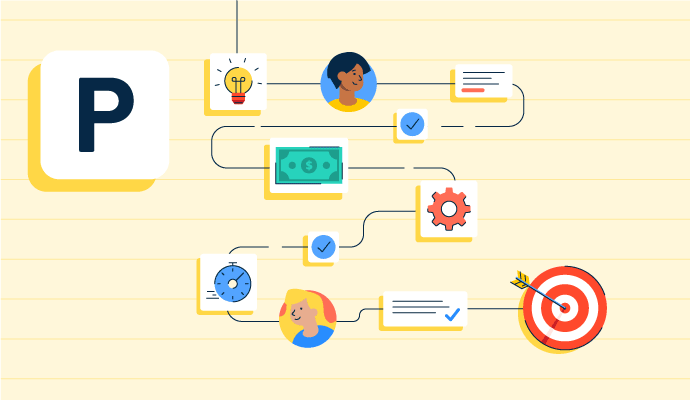
Project planning is part of the project management lifecycle, where goals and objectives are outlined. Learn about the types, benefits, and best practices.

Companies plan product launches to debut their new products. Learn the types, benefits, and steps to ensure product launches are successful.

Concurrent licensing allows multiple users to access a software application simultaneously. Learn about its benefits, features, and operational elements.