Virtual Reality (VR) Collaboration Platforms Resources
Articles, Discussions, and Reports to expand your knowledge on Virtual Reality (VR) Collaboration Platforms
Resource pages are designed to give you a cross-section of information we have on specific categories. You'll find articles from our experts, discussions from users like you, and reports from industry data.
Virtual Reality (VR) Collaboration Platforms Articles

What is a VR Classroom? Explanation and Top Software in 2025


What Is VR Conferencing? How to Elevate Business Meetings
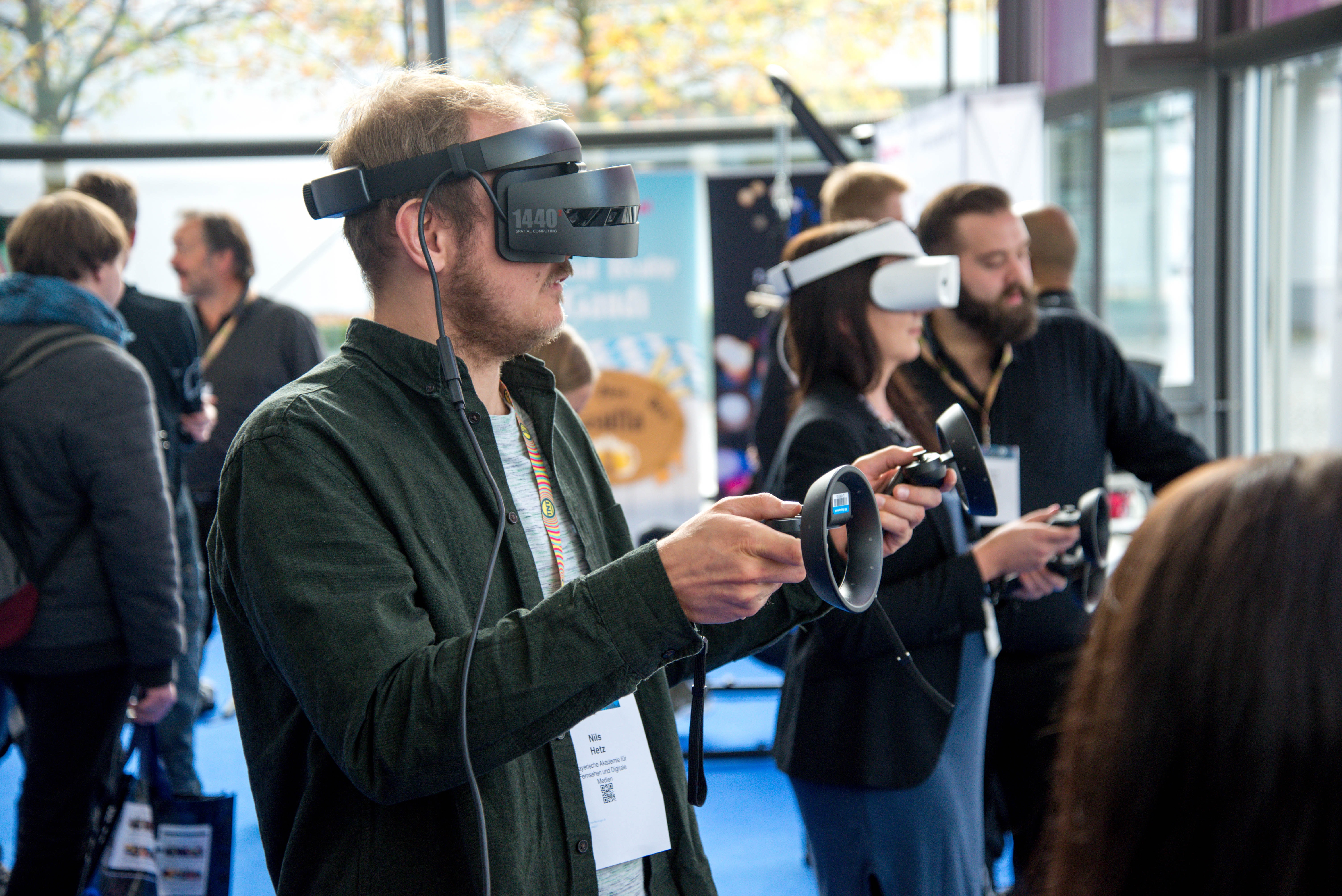
The Looming Metaverse and What It Means for Software Development

What is VRChat? (+ Why the VR Social Platform is So Popular)
Virtual Reality (VR) Collaboration Platforms Discussions
I've been drafting the security review for a VR collaboration purchase, and I dug into what VR collaboration platform data privacy and security features matter most for enterprise team communication, both across the VR collaboration category's materials and from what these platforms structurally touch. I'll be straight about the evidence situation first: the category's reviews are essentially silent on security specifics, so what follows is the consideration set I built, with where each product's stated posture fits.
Beyond ordinary meeting content, these tools can process voice in spatialized form, body and hand motion, physical room dimensions where mixed reality is involved, and behavioral patterns headsets observe continuously. Your privacy review should ask each vendor exactly which of these leave the device, where they're stored and for how long, and whether motion or environment data is retained after sessions. No vendor in this category documents these answers on G2, which is precisely why they go in writing. Here's the checklist I'd want every enterprise buyer to work through:
- Arthur: The strongest security-relevant evidence trail in the pool: historical reviews specifically credit its data security as exceptional for training and collaboration, its stated design targets enterprises, and its named users, including a Big Four firm and a UN organization (vendor-stated), imply security reviews already survived. Implied is not shown, so the practical ask is the artifact those customers presumably got: the security whitepaper, SSO and admin controls, data residency options, and a signable DPA.
- ArborXR: Included deliberately from the device side, because enterprise VR security is half a fleet problem: it's a device-management platform, not a collaboration space, with enterprise-level security in its stated build and controls over what users can see and do in headsets, deploying content and updates remotely across fleets (vendor-stated). Whatever collaboration platform you pick, unmanaged headsets are unmanaged endpoints, and this is the category's answer to that; its historical base is also the freshest in the whole neighborhood.
- STAGE: Positions explicitly as a secure VR collaboration platform for design work (vendor-stated), relevant for teams whose meeting content is itself IP, unreleased designs and layouts. Its historical cons include connectivity and stability notes, which for a security reviewer also read as availability questions to probe.
The five questions I'd require written answers to from any finalist: where is meeting audio processed and is it retained; what motion or spatial data leaves devices and what's the deletion schedule; SSO, role controls, and audit logs, shown live; data residency options and subprocessor lists; and how recordings of virtual sessions are stored, encrypted, and access-controlled. A vendor fluent in these five is enterprise-ready; a vendor surprised by them has told you their real customer base, and both answers are useful. Security folks, has anyone actually taken a VR collaboration vendor through a full enterprise security review? Which question stumped them? That's the field intelligence this category's documentation entirely lacks.
Security reviews for VR tools are more involved than most people expect. Beyond the usual meeting content, these platforms can process voice in spatialized form, motion data, and in some cases environmental details from passthrough cameras. I'd want written answers from any vendor on exactly which of that leaves the device, where it's stored, and how long it's retained before I'd feel comfortable recommending one internally.
Hello G2 users, which VR collaboration platforms provide spatial presence compared to traditional video conferencing tools? I've been making exactly this comparison for my own team, coming from years of video calls, and working through the VR collaboration category taught me to answer it in two parts: what spatial presence actually adds over video, and then which platforms are built to deliver which version of it.
What spatial presence adds that video structurally can't, from the category's own definition of these tools: shared position in a common space, so side conversations, spatial audio, and turning to face someone all work like a room; shared objects at human scale, walking around a model instead of watching someone's screen share of it; and embodied attention, where you can see what a colleague is looking at. Video's counter-advantages are just as structural: zero hardware barrier, real faces, and frictionless recording. The honest comparison is a trade, not an upgrade, and G2's own category guidance lists the hardware, bandwidth, and physical-space demands as this technology's standing challenges, which is where video keeps winning by default. . Here's both parts as I worked them out:
- Glue and MeetinVR: The meeting-presence specialists: Glue's whole stated existence is remote meetings as great as face-to-face, and MeetinVR positions on distributed-team meetings with cohesion effects (both vendor-stated). If your question is literally can my weekly meeting feel like a room again, these two are the direct candidates, with historical bases and, like everything here, no current reviews to confirm the 2026 experience.
- Arthur: The presence-plus-work answer: 3D interactive spaces with productivity features for enterprises (vendor-stated), historically reviewed as realistic and immersive. For teams that need the meeting and the work artifacts in the same space, presence here is a means, not the product.
- Spatial: The bridge answer for the video-to-VR transition this question implies: VR, AR, desktop, and mobile in one room (vendor-stated), so your team migrates gradually, headset adopters get spatial presence, holdouts join from the browser, and nobody's excluded meeting one. In practice, I suspect this hybrid is how most teams honestly cross from video, because the alternative is mandating hardware on day one.
Having lived on video, spatial presence is real and it's specifically valuable for the meetings video does worst, working sessions around shared 3D things, brainstorms that need a room's energy, and social connection across distance. It is not worth the friction for status updates, and any vendor implying otherwise is selling headsets, not outcomes. Pick the two meeting types video fails your team on, and pilot exactly those. Would like to know your experience in using VR spatial presence over video conferencing?
I've spent a fair amount of time on both sides of this, and my honest take is that spatial presence is genuinely valuable for specific meetings. Working sessions where my team needs to walk around a shared model together, or brainstorms that need the energy of being in a room, those work noticeably better in VR. But for a status update or a quick check-in, the friction of getting everyone into headsets isn't worth it.
Hello G2 users, which VR collaboration platforms provide spatial presence compared to traditional video conferencing tools? I've been making exactly this comparison for my own team, coming from years of video calls, and working through the VR collaboration category taught me to answer it in two parts: what spatial presence actually adds over video, and then which platforms are built to deliver which version of it.
What spatial presence adds that video structurally can't, from the category's own definition of these tools: shared position in a common space, so side conversations, spatial audio, and turning to face someone all work like a room; shared objects at human scale, walking around a model instead of watching someone's screen share of it; and embodied attention, where you can see what a colleague is looking at. Video's counter-advantages are just as structural: zero hardware barrier, real faces, and frictionless recording. The honest comparison is a trade, not an upgrade, and G2's own category guidance lists the hardware, bandwidth, and physical-space demands as this technology's standing challenges, which is where video keeps winning by default. . Here's both parts as I worked them out:
- Glue and MeetinVR: The meeting-presence specialists: Glue's whole stated existence is remote meetings as great as face-to-face, and MeetinVR positions on distributed-team meetings with cohesion effects (both vendor-stated). If your question is literally can my weekly meeting feel like a room again, these two are the direct candidates, with historical bases and, like everything here, no current reviews to confirm the 2026 experience.
- Arthur: The presence-plus-work answer: 3D interactive spaces with productivity features for enterprises (vendor-stated), historically reviewed as realistic and immersive. For teams that need the meeting and the work artifacts in the same space, presence here is a means, not the product.
- Spatial: The bridge answer for the video-to-VR transition this question implies: VR, AR, desktop, and mobile in one room (vendor-stated), so your team migrates gradually, headset adopters get spatial presence, holdouts join from the browser, and nobody's excluded meeting one. In practice, I suspect this hybrid is how most teams honestly cross from video, because the alternative is mandating hardware on day one.
Having lived on video, spatial presence is real and it's specifically valuable for the meetings video does worst, working sessions around shared 3D things, brainstorms that need a room's energy, and social connection across distance. It is not worth the friction for status updates, and any vendor implying otherwise is selling headsets, not outcomes. Pick the two meeting types video fails your team on, and pilot exactly those. Would like to know your experience in using VR spatial presence over video conferencing?
I've spent a fair amount of time on both sides of this, and my honest take is that spatial presence is genuinely valuable for specific meetings. Working sessions where my team needs to walk around a shared model together, or brainstorms that need the energy of being in a room, those work noticeably better in VR. But for a status update or a quick check-in, the friction of getting everyone into headsets isn't worth it.