Collaborative Whiteboard Software Resources
Articles, Glossary Terms, Discussions, and Reports to expand your knowledge on Collaborative Whiteboard Software
Resource pages are designed to give you a cross-section of information we have on specific categories. You'll find articles from our experts, feature definitions, discussions from users like you, and reports from industry data.
Collaborative Whiteboard Software Articles
Managing the Convergence of the Physical and Virtual Office
It’s already been established that remote work culture isn’t going anywhere. However, that doesn’t mean offices will simply cease to exist. Many companies are offering flexible work environments for their employees, building in the option to work from home for part of the week. This shift to a more hybrid working environment will require some changes to the workspace with the convergence of the physical and virtual office.
Collaborative Whiteboard Software Glossary Terms
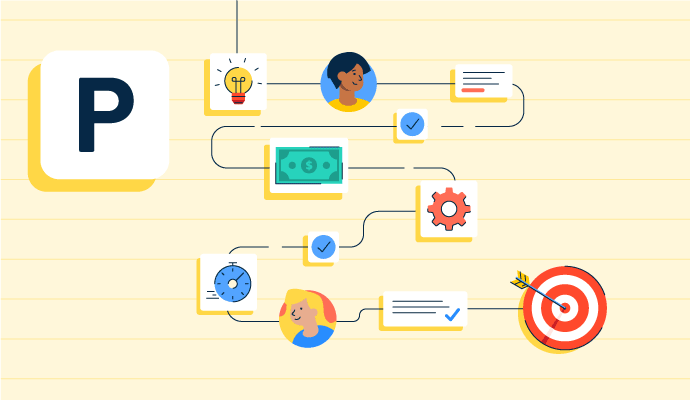
Project planning is part of the project management lifecycle, where goals and objectives are outlined. Learn about the types, benefits, and best practices.
by Holly Landis

Story mapping helps agile software teams visualize the user’s journey with their products. Learn the basic steps, process, best practices, and benefits.
by Kelly Fiorini

Visual collaboration connects asynchronous teams through visual ideas to improve communication. Learn about its function, benefits, and best practices.
by Aayushi Sanghavi
Collaborative Whiteboard Software Discussions
We have a Smartsheet integration in the works for Q2 that will allow you to convert ideas from Lucidspark boards into project tasks in Smartsheet. Stay tuned for more details!
Answered: Lauren McNeely on April 7, 2021
Yes! Lucidspark has an integration with Microsoft Teams. You can learn more about it here: https://lucidspark.com/integrations/microsoft-teams
Answered: Lauren McNeely on April 7, 2021
Not comparing with other solutions, the connectivity of Cisco WebEx is very good. Additionally, security features are enabled by default and it is one of the most secure VC tools out there. In one to one comparison, there may be various factors involved though.
Answered: Abhishek A on October 27, 2020
Depending on what you're looking for and what update you have. I really like the virtual background feature and hope to use the cohost feature as soon as my company has the update.
Answered: Hardeep Fuller on October 27, 2020
Honestly speaking, the best and unique feature that I personally experienced while using is that webex assistant helps control meeting through voice commands. And, performs language translation, closed captioning and transcription. It's facial recognition also helps by providing information about participants ina meeting. And above all it has best video quality with low internet consumption.
Answered: Dev Agarwal on October 29, 2020
In addition to the best video quality and the best screen sharing quality and clarity, I like the interactive features like raise your hand, emoticons, and breakout sessions.
Answered: Ani Rekulapalli, ASA on October 30, 2020
Collaborative Whiteboard Software Reports
Mid-Market Grid® Report for Collaborative Whiteboard
Fall 2026
Grid® Report for Collaborative Whiteboard
Fall 2026
Enterprise Grid® Report for Collaborative Whiteboard
Fall 2026
Momentum Grid® Report for Collaborative Whiteboard
Fall 2026
G2 Report: Momentum Grid® Report
Small-Business Grid® Report for Collaborative Whiteboard
Fall 2026
Enterprise Grid® Report for Collaborative Whiteboard
Summer 2026
Small-Business Grid® Report for Collaborative Whiteboard
Summer 2026
Mid-Market Grid® Report for Collaborative Whiteboard
Summer 2026
Grid® Report for Collaborative Whiteboard
Summer 2026
Momentum Grid® Report for Collaborative Whiteboard
Summer 2026
G2 Report: Momentum Grid® Report