Product Avatar Image

Dropbox

Show rating breakdown
39,163 reviews
  • 11 profiles
  • 23 categories
Average star rating
4.4
#1 in 3 categories
Grid® leader
Serving customers since
2007

Dropbox Solutions

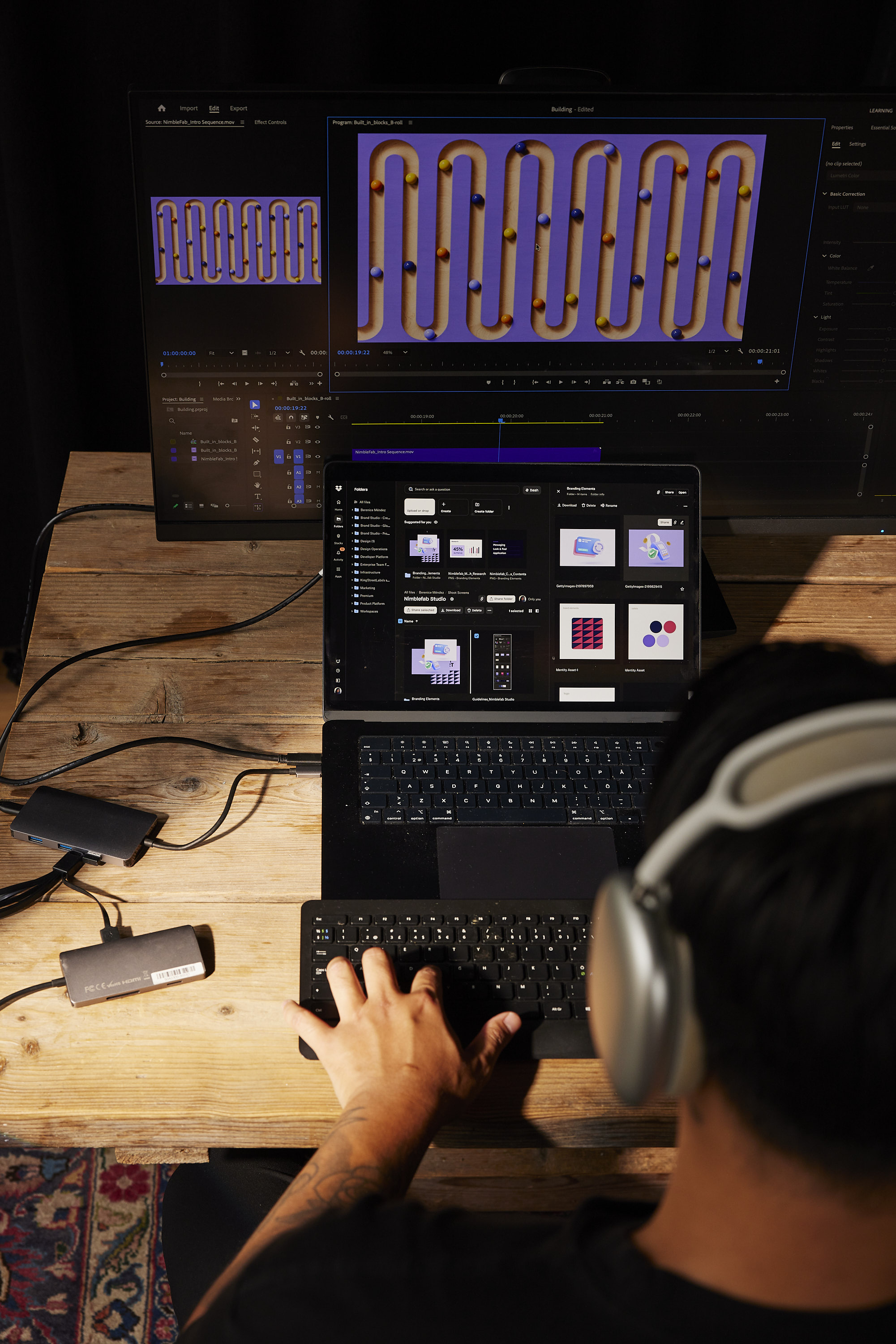
Discover ready-made solutions that bring related products, reviews, and resources together in one place.
Featured Products

Product Avatar Image
Dropbox Paper

4,515 reviews

Dropbox Paper is a collaborative document-editing service developed by Dropbox, designed to facilitate seamless teamwork and idea sharing. Launched in January 2017, Paper provides a flexible workspace where teams can create, review, and organize content in real-time, enhancing productivity and collaboration. Key Features and Functionality: - Real-Time Collaboration: Multiple users can simultaneously edit documents, with changes instantly visible to all participants. - Rich Media Integration: Embed images, videos, audio files, and even code snippets directly into documents, supporting a wide range of content types. - Task Management: Assign tasks, set due dates, and track progress within documents, streamlining project management. - Commenting and Annotation: Add comments and annotations to specific sections of a document, facilitating clear communication and feedback. - Version History: Access previous versions of documents to track changes and revert to earlier iterations if necessary. - Integration with Third-Party Tools: Connect with popular design and productivity tools like InVision, Figma, and Sketch, allowing for seamless workflow integration. Primary Value and User Solutions: Dropbox Paper addresses the need for a unified platform where teams can collaboratively create and manage content without the constraints of traditional document editors. By combining document creation, media embedding, and task management in a single interface, Paper eliminates the need to switch between multiple applications, thereby reducing workflow fragmentation. Its real-time collaboration features ensure that team members stay aligned, while the integration with various tools enhances versatility. Overall, Dropbox Paper simplifies the collaborative process, making it more efficient and effective for teams of all sizes.

Profile Filters

All Products & Services

Profile Name

Star Rating

26627
9610
2222
427
277

Dropbox Reviews

Review Filters
Profile Name
Star Rating
26627
9610
2222
427
277
Remeeka W.
RW
Remeeka W.
08/20/2026
Validated Reviewer
Review source: Organic

Effortless Setup and Reliable Storage with Dropbox

I like putting all my documents in one place with Dropbox. It helps me minimize the space that I'm taking up. The initial setup was very easy.
Alex S.
AS
Alex S.
University of California, Berkeley
08/19/2026
Validated Reviewer
Review source: Organic

Easy Setup, Feature-Rich, Minor Security Concerns

I use Dropbox to store all my files and share them with my colleagues. It really helps me stay organized and happy, solving my B2B cloud services needs and assisting with work. I like the management utilities, and I find features like Dash, SmartSync, and the mobile scanner very useful. Dropbox Paper is great for writing notes, creating task lists, and assigning due dates while embedding media. I also appreciate that I can handle PDFs and Dropbox Sign, which is really helpful. The ease of setup is another standout, as it was very easy, possibly the easiest thing in the world. Additionally, I like the name a lot.
Anson T.
AT
Anson T.
08/19/2026
Validated Reviewer
Verified Current User
Review source: Organic Review from User Profile

Rock-Solid Syncing, Secure Sharing, and Seamless Integrations

Dropbox stands out for its rock-solid background syncing, keeping files up to date across desktop and mobile devices without any manual effort. Creating shareable links with custom access controls, expiration dates, and password protection makes it easier to transfer large files securely. The interface is intuitive, so organizing folders feels straightforward, and features like selective sync help conserve local storage space when you don’t need everything downloaded. Version history is another strong safety net for recovering earlier document drafts, and the smooth integrations with platforms like Microsoft 365 and Google Workspace help keep collaborative workflows efficient.

About

Contact

Phone:
855-237-6726
HQ Location:
San Francisco, California

Social

@Dropbox

What is Dropbox?

Dropbox is the world’s first smart workspace that helps people and teams focus on the work that matters. With more than 600 million registered users across 180 countries, we’re on a mission to design a more enlightened way of working. Dropbox is headquartered in San Francisco, CA, and has 12 offices around the world.

Details

Year Founded
2007
Ownership
NASDAQ: DBX
Website
www.dropbox.com