Operating Systems Resources
Articles, Glossary Terms, Discussions, and Reports to expand your knowledge on Operating Systems
Resource pages are designed to give you a cross-section of information we have on specific categories. You'll find articles from our experts, feature definitions, discussions from users like you, and reports from industry data.
Operating Systems Articles
Operating Systems Glossary Terms

Learn about virtual memory, a memory management technique that expands RAM capacity by borrowing space from the hard drive.
by Mara Calvello
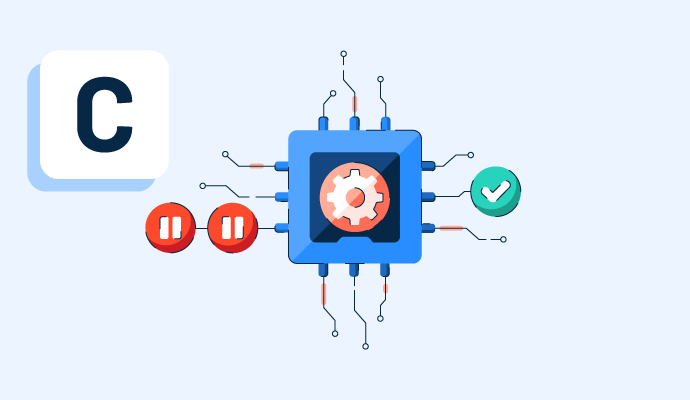
Learn about CPU scheduling, a crucial process in operating systems that manages multiple processes on a single CPU.
by Mara Calvello

What is a zero-day attack and why is it important as a software feature? Our G2 guide can help you understand zero-day attacks.
by Rachana Hasyagar
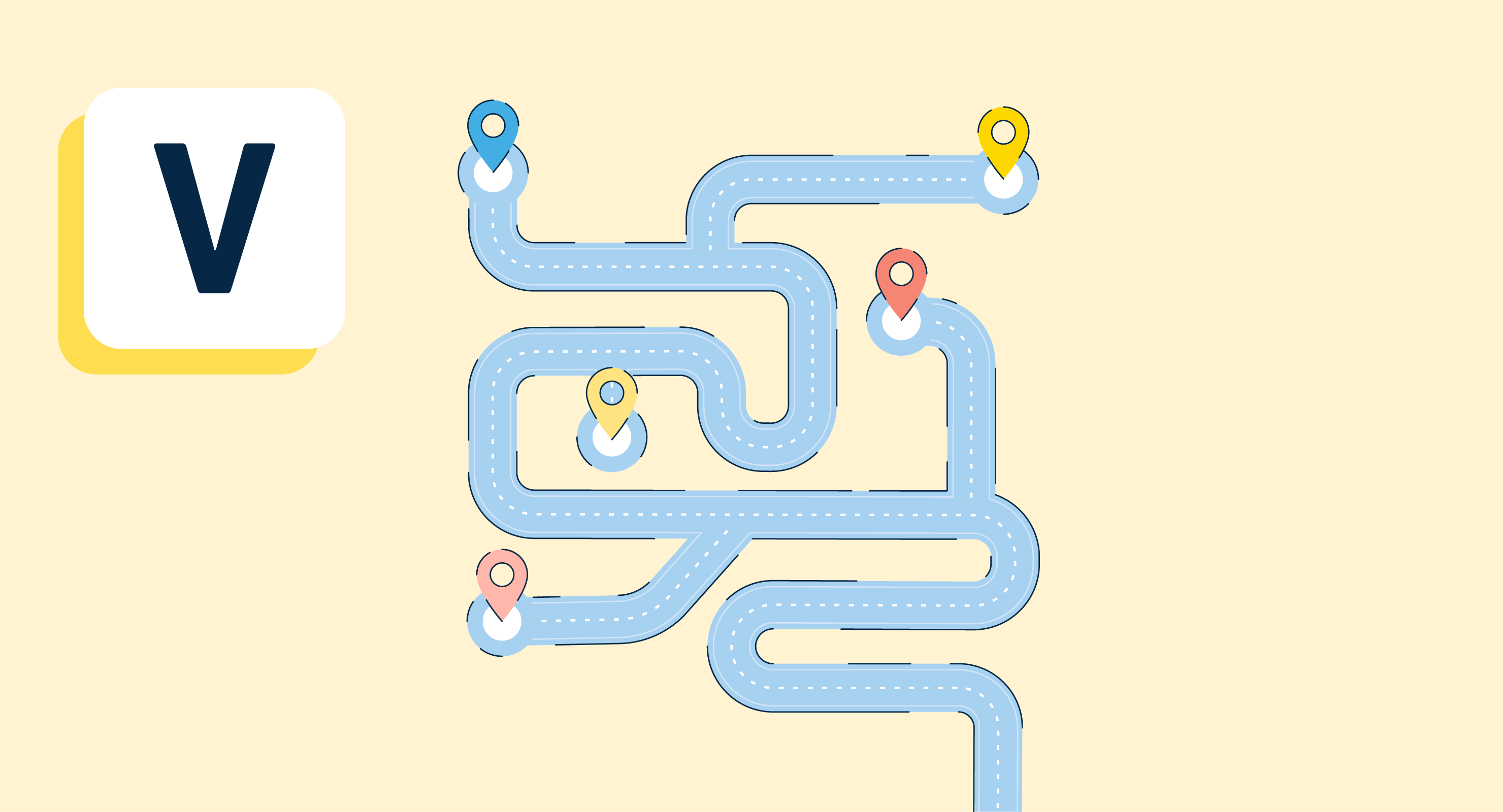
Versioning is the process of assigning unique names or identifiers to manage multiple versions of software. Learn more about versioning, types of versioning schemes, and best practices to follow during a software release.
by Keerthi Rangan
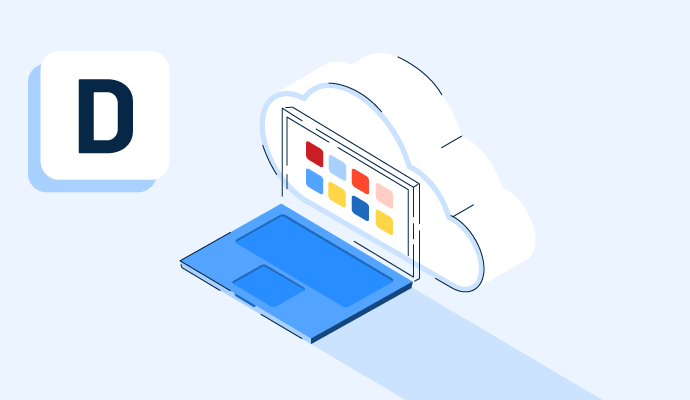
Desktop as a Service (DaaS) delivers a virtual desktop environment on the cloud to any device, anywhere. Learn how DaaS benefits business workflows.
by Sagar Joshi
A sandbox is a secure testing environment that lets users run applications without affecting the original application. Learn more about its benefits.
by Sagar Joshi
An operating system is a bridge between the user and computer hardware. Learn more about its types, examples, functions, and how it differs from kernel.
by Sagar Joshi
Operating Systems Discussions
Computers have become an integral part of our lives. We store personal and business information on them, and use them to access financial and social information online. That information might be protected by a password, but the password could easily be accessible to any other person who is using your computer. To protect your privacy and the integrity of your information, it is important to control who can sign in to your computer or tablet, and what they can do when they’re signed in.
Computer access is managed through user accounts. Each individual user of a computer, regardless of age, should sign in with his or her own account. Each user account has access to a private file storage area and user interface customizations, and to a shared public file storage area. Accounts designated as Child accounts have additional safeguards that are designed to protect them from content that isn’t age appropriate.
When you sign in to your computer, you have a myriad of options available for doing so. User accounts can be protected by passwords, but users can choose alternative sign-in credentials such as PINs, picture passwords, and biometric identification.
This chapter guides you through procedures related to creating and managing user accounts, managing account pictures and passwords, and customizing your sign-in options.
Answered: daryll bimohya on November 26, 2021
Answered: BRANDON KING on December 15, 2021
Yes, UBUNTU can be used anywhere as it is an open source with heavy and complete set of tools
Answered: Anurag Kaithwas on November 28, 2021
Operating Systems Reports
Mid-Market Grid® Report for Operating System
Fall 2026
Grid® Report for Operating System
Fall 2026
Enterprise Grid® Report for Operating System
Fall 2026
Momentum Grid® Report for Operating System
Fall 2026
G2 Report: Momentum Grid® Report
Small-Business Grid® Report for Operating System
Fall 2026
Enterprise Grid® Report for Operating System
Summer 2026
Small-Business Grid® Report for Operating System
Summer 2026
Mid-Market Grid® Report for Operating System
Summer 2026
Grid® Report for Operating System
Summer 2026
Momentum Grid® Report for Operating System
Summer 2026
G2 Report: Momentum Grid® Report