Operating Systems Resources
Articles, Glossary Terms, Discussions, and Reports to expand your knowledge on Operating Systems
Resource pages are designed to give you a cross-section of information we have on specific categories. You'll find articles from our experts, feature definitions, discussions from users like you, and reports from industry data.
Operating Systems Articles
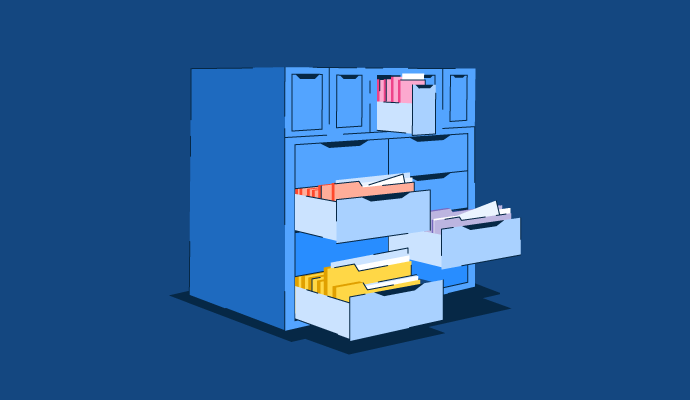
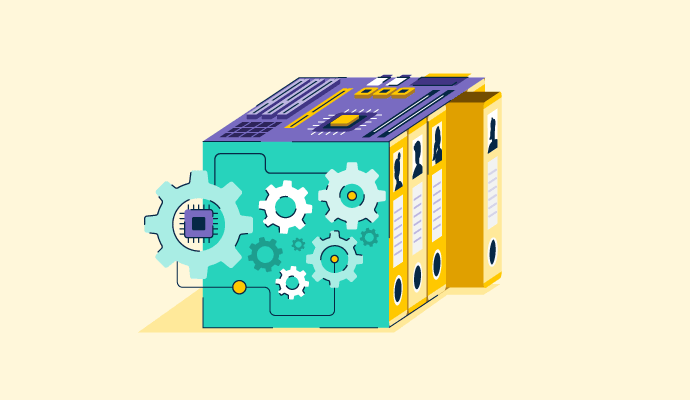
Memory Management in OS: Learn Techniques and Applications
No matter what type of device you’re working on, the operating system (OS) is the heart of it all. It manages the device's memory, processes, and any software installed.
by Holly Landis
What Is an Operating System? Types of OS and Functions

If you’re anything like me, you have at least 20 browser tabs open, along with a couple of spreadsheets and probably some music.
by Sudipto Paul
How to Fix Packet Loss: 9 Steps and Tips from Real Users
Packet loss causing slow service and network connectivity issues?
by Sudipto Paul
Operating Systems Glossary Terms
Operating Systems Discussions
0
Question on: CloudReady
Does Netflix work on CloudReady?Does Netflix work on CloudReady?
Show More
Show Less
Yes, Netflix works on CloudReady. CloudReady is based on Chromium OS, which is the open-source project that serves as the foundation for Google's Chrome OS. Netflix is supported on both Chrome OS and Chromium OS, including CloudRe
Show More
Show Less
0
Question on: IBM AIX
How do I get the IP address of the machine?It is difficult to find the IP address of machine. Where do I get this? I want to know which command is required for this.
Show More
Show Less
ifconfig -a
Show More
Show Less
0
Question on: Apple iOS
What are the iOS 14 features?What are the iOS 14 features?
Show More
Show Less
iOS 14 was perhaps of Apple's greatest Io updates to date, presenting Home screen configuration changes, major new elements, refreshes for existing applications, Siri upgrades, and numerous different changes that smooth out the iOS interface.
iOS 14 brings an overhauled Home Screen that, first and foremost, incorporates support for gadgets interestingly. Gadgets can be hauled from the Today view right onto the Home Screen, and can be stuck in various sizes.
With a Shrewd Stack highlight, the iPhone can use on-gadget knowledge to surface the right gadget in view of time, area, and action. Each Home Screen page can show gadgets tweaked for work, travel, sports, and that's just the beginning. The Today segment where gadgets are housed has likewise been upgraded, and there's a gadgets exhibition where clients can pick new gadgets from applications and modify those gadgets.
Swiping the entire way to the furthest limit of the application pages on an iPhone opens the new Application Library, which is a connection point that shows all of the applications on your iPhone to see everything initially. Applications are coordinated into your envelope framework, yet there are additionally Apple-made organizers like Ideas and Apple Arcade that cleverly surface applications. New application downloads can be added to your Home Screen or kept in the Application Library to keep your Home Screen more clean.
New space-saving estimates mean approaching calls and Siri demands never again assume control over the whole screen. Calls (and FaceTime/VoIP calls) appear in a little pennant on the iPhone's showcase, while enacting Siri shows a little vivified Siri symbol at the lower part of the screen.
With an Image in Picture mode, clients can watch recordings or chat on FaceTime while likewise utilizing other applications simultaneously, with FaceTime or a video playing in a little window that can be resized and migrated to any side of the iPhone's screen.
Siri is more brilliant in iOS 14 and can answer a more noteworthy scope of inquiries with data pulled from across the web, and Siri can likewise send sound messages. Console transcription runs on gadget, adding an extra layer of protection for directed messages.
Apple added Application Clasps to iOS 14, allowing clients to exploit some application highlights without expecting to download the full application. Application Clasps can allow you to do things like lease a bike, buy an espresso, make a café reservation, or fill a stopping meter by simply examining a code, with compelling reason need to download a full application.
Apple depicts Application Clasps as only a "little piece of an application experience" intended to be found at the time it is required. Application Clasps work through Apple-planned Application Clasp codes, NFC labels, or QR codes, and can likewise be partaken in Messages or from Safari.
Show More
Show Less
Sattelite Texting from Iphone 14 - IOS 14 is very old and no longer used.
Show More
Show Less
📱 Home Screen & Interface Improvements
Home Screen Widgets
Widgets can be placed directly on the Home Screen.
Multiple sizes (small, medium, large).
Support for third‑party widgets.
Smart Stack
A stack of widgets that automatically rotates based on usage, location, and time.
App Library
Automatically organizes apps into categories.
Reduces the need for multiple Home Screen pages.
📞 Compact UI for Calls & Siri
Compact Call Interface
Incoming calls no longer take over the entire screen.
Redesigned Siri
Siri appears as a small floating animation instead of full‑screen.
Compact Picture‑in‑Picture controls for smoother multitasking.
🎥 Picture‑in‑Picture (PiP)
Watch videos or FaceTime calls while using other apps.
Supports streaming apps and Safari video playback.
🗺️ Maps Enhancements
Cycling directions with elevation and busy road data.
EV routing with charging stop planning.
Curated Guides for travel, dining, and attractions.
💬 Messages Updates
Pinned conversations at the top of chats.
Group enhancements:
Inline replies
Mentions (@name)
Group photos and emojis
🔒 Privacy & Security (Major Focus)
App Tracking Transparency (ATT)
Apps must ask permission before tracking users across apps/websites
Privacy indicators
Orange dot: microphone in use
Green dot: camera in use
Approximate location sharing
Apps can be given less precise location data.
Clipboard access notifications
Alerts users when an app reads copied content.
Privacy labels on App Store
Clear view of how apps use personal data.
🌐 Safari Improvements
Built‑in translation for websites.
Performance boost (Safari claimed to be fastest mobile browser).
Improved tab design optimized for large screens.
Show More
Show Less
Operating Systems Reports
Mid-Market Grid® Report for Operating System
Spring 2026
G2 Report: Grid® Report
Grid® Report for Operating System
Spring 2026
G2 Report: Grid® Report
Enterprise Grid® Report for Operating System
Spring 2026
G2 Report: Grid® Report
Momentum Grid® Report for Operating System
Spring 2026
G2 Report: Momentum Grid® Report
Small-Business Grid® Report for Operating System
Spring 2026
G2 Report: Grid® Report
Enterprise Grid® Report for Operating System
Winter 2026
G2 Report: Grid® Report
Small-Business Grid® Report for Operating System
Winter 2026
G2 Report: Grid® Report
Mid-Market Grid® Report for Operating System
Winter 2026
G2 Report: Grid® Report
Grid® Report for Operating System
Winter 2026
G2 Report: Grid® Report
Momentum Grid® Report for Operating System
Winter 2026
G2 Report: Momentum Grid® Report