AI-Generated Results
Finding matches…
FixVare EML Converter is an easy-to-use email conversion tool designed to convert EML files across different email platforms. Using this software, users can export EML emails to other formats while preserving the integrity of attachments, message formatting, header information, and folder structure. It can perform bulk email migration, which helps users to process a large number of EML files in an effective manner without facing any technical issues. This tool is useful for individual users, IT administrators and enterprises to find a safe email backup and conversion solution. Due to the easy interface, the conversion process is straightforward even for beginners. The software is compatible with Windows and supports previous and latest Windows editions and EML files from various desktop email clients. Users can test the software with its demo version. The licensed edition is also available for professional email conversion and data management tasks because it has advanced capabilities.
Not seeing what you're looking for?
Dive deeper into "Koncert" on G2 AI

Softaken EML to MSG Converter is a smart and secure solution to convert EML to MSG format without losing email data. The software helps users move EML files to MSG format quickly and safely. It performs an accurate EML to MSG conversion while preserving the original email formatting, folder structure, and message properties.
The software supports EML files created by popular email clients such as Windows Live Mail, Thunderbird, Apple Mail, Outlook Express, eM Client, and other EML-supported applications. It converts all email components, including attachments, sender and receiver details, subject, date, and metadata, without any changes. Users can convert single or multiple EML files in one process, making it a time-saving solution for bulk conversions.
The advanced software offers a clean and user-friendly interface that makes the conversion process simple for both beginners and professionals. The advanced conversion tool converted all MSG files so that they can be easily opened in all versions of MS Outlook 2021, 2019, 2016, 2013, 2010, and older ones. It works completely independently, so no external application installation is required to complete the process. In addition, the software works flawlessly and smoothly in all editions of Windows OS.



Secure Bank Statement Converter helps accountants, bookkeepers, finance teams, and small businesses turn PDF bank statements into usable financial data without manual retyping.
Convert single or multi-page statements into a formatted Excel workbook or QuickBooks/Xero-compatible CSV, ready for review, reconciliation, or import. Batch processing supports multiple client statements.
Privacy is built into the workflow. Your original PDF is rendered locally in the browser, where you can redact names, account numbers, and other identifiers. An optional pre-flight Audit ZIP lets you inspect the exact redacted page images before extraction.
Only the approved redacted images are sent for stateless AI extraction on EU-based infrastructure. They are processed in memory, not stored, and not used to train AI models. No account is required; pay-as-you-go credits and free daily credits are available for testing. Always review exported data for accuracy.

Aryson PST File Converter software exports emails from Outlook PST file into PDF, EML, MSG, MBOX, HTML, MHT, and Txt. This software also exports multiple PST files into Office 365, Live Exchange, Hotmail, Gmail, Yahoo, Thunderbird, and Zimbra Account successfully. It also prints all PST emails as PDF files with all properties. PST File Converter freeware allows you to export up to 50 PST file emails without any cost.

EML Converter converts EML emails to PDF, PST, MSG, MBOX, and other formats while preserving email content, attachments, and formatting
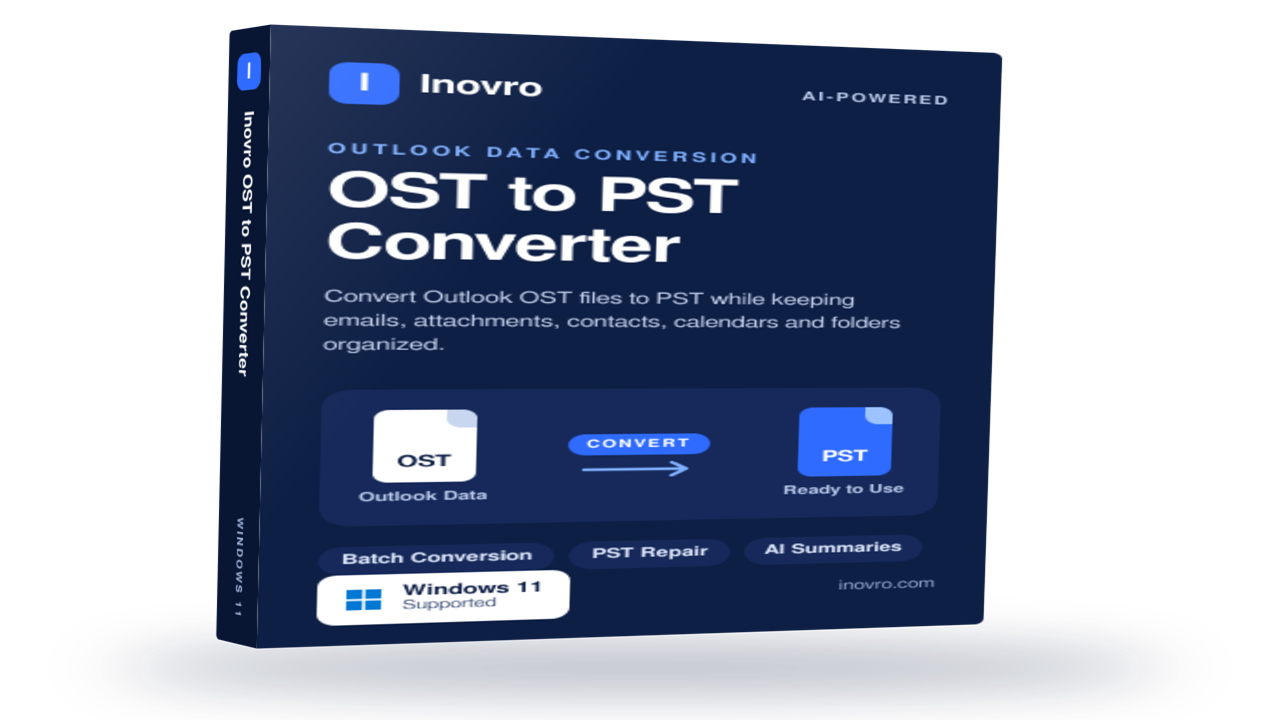
Inovro OST to PST Converter
Inovro OST to PST Converter is a reliable and user-friendly solution designed to convert Outlook OST files into PST format quickly and securely. Whether you need to recover data from orphaned, inaccessible, or offline OST files, the software ensures complete mailbox migration while preserving data integrity and folder structure.
The tool supports the conversion of emails, attachments, contacts, calendars, tasks, notes, journals, and other Outlook mailbox items without requiring an active Exchange Server connection. Advanced scanning technology helps recover data from damaged or corrupted OST files and export it to PST with 100% accuracy.
Key Features
Convert OST files to PST without Outlook dependency
Recover data from orphaned, inaccessible, or corrupted OST files
Export emails, contacts, calendars, tasks, notes, and attachments
Preserve folder hierarchy, metadata, and email formatting
Support for large-sized OST files with no file size limitations
Bulk conversion for multiple OST files
Preview mailbox items before conversion
Compatible with all major Outlook and Windows versions
Fast, secure, and easy-to-use interface
Ideal For
IT administrators
Enterprises and SMBs
Outlook migration projects
Exchange Server recovery scenarios
Individual users needing OST data access
Inovro OST to PST Converter simplifies OST file recovery and migration, helping users regain access to critical Outlook data with minimal effort and maximum reliability.

Convert Mac Outlook OLM files into PST, MBOX, EML, MSG, and other formats while preserving emails, attachments, and folder structure.


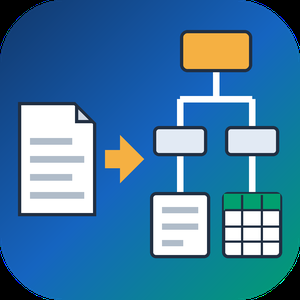
PDF to XML Converter Software is a pdf to xml converter for Windows that turns stacks of PDF reports into structured XML your scripts can parse. Every output file follows one documented schema with document, page, heading, paragraph and table elements, and tables are broken into rows and cells. All work happens on your own PC, so no report leaves the machine.
🛠️ How to use
1. Install the program and drag PDF files or a whole folder into the list.
2. Decide whether you need positions and fonts. Tick the coordinates option for block boxes, or leave it off for a lighter text-only file.
3. Press Convert. You get one XML per PDF, named after its source.
4. Point XSLT, Python or your database loader at the output folder.
💼 Why IT and office teams pick it
Imports break when every department sends a different layout. This pdf to xml converter keeps the same element names for every file, so a loader written once keeps working. Headings get a level from 1 to 6 based on font size. Each table carries a source attribute that tells you how its grid was found: PDF tags, ruling lines or text alignment. Merged cells keep colspan or rowspan. Text follows reading order, left column before right, and right-to-left lines stay right-to-left. Pages without a text layer are marked scanned="1", so a script can send them to a person.
👥 Who uses it
Data engineers and ETL developers feeding report figures into databases. Systems integrators who need to convert PDF to XML for another application. BI analysts, search-index developers and QA testers who check document pipelines. Procurement teams use it to pull supplier price tables into purchasing systems, and layout analysts switch on coordinates to study where each block sits on the page.
❓ FAQ
How does the pdf to xml step handle two-column pages?
The left column is written first, then the right one. Hebrew and Arabic lines keep their right-to-left order and carry a direction attribute.
Can I stop a long batch halfway?
Yes. Stop ends the job between two files, and every XML finished before that point stays on disk.
Can I convert PDF to XML without uploading files?
Yes. The program works offline, and your PDFs stay on your disk.
What does the XML look like?
A document root with page elements inside. Each page holds headings, paragraphs and tables in reading order, saved as UTF-8 without a byte order mark.
Can this pdf to xml converter fill an invoice or XBRL schema?
No. It writes its own fixed schema. Mapping to another schema is a job for your XSLT or import script.
Is there a command line or API?
No. Batches are started by hand in the desktop window, so it cannot run as a server service.
🎁 Free trial: every PDF in a batch gets its first 10 lines or table rows, and the file still passes an XML parser. Runs on Windows desktop and laptop PCs.

Wide Angle PDF Converter converts PDF documents to Word, PowerPoint, Excel, JPG, PNG, EPUB and other formats. Secure files with password protection, set permissions for collaborators, and add watermarks. Easily and quickly merge multiple PDF documents, or split documents into individual pages. All conversions are performed locally, so no internet connection is required, and you don’t have to pass sensitive documents through the web.

Bank Statement Converter turns PDF bank statements into Excel (.xlsx) and CSV files, with every transaction on its own row. Dates come out as real dates and amounts as numbers, so the file is ready to sort, total or import into QuickBooks Online or Xero.
Before you download, you see the whole table in a preview. The balance check compares each row with the statement's running balance and shows which rows don't add up. Most issues come from a description that wrapped onto two lines, a row lost at a page break, or a credit read as a debit, and you can fix them right there.
Some statements have layouts the converter can't read on its own. For those, manual mode lets you draw a box around the transactions, move the dividers between columns, name each column and set its type. Preview and manual mode come with every plan, including the free ones.
Bookkeepers, accountants, small business owners, mortgage brokers and real estate investors use it to stop retyping statements by hand. You can convert 5 pages a day without an account, or 10 with a free one. Pro adds OCR for scanned statements and batch conversion.
Your statement is deleted after conversion. We never look at it, sell it or use it to train AI.
Key features:
• PDF bank statement to Excel (.xlsx) and CSV
• Table preview before download
• Balance check against the running balance
• Manual mode: draw a box, adjust column dividers, name columns, set column types
• OCR for scanned statements (Pro)
• Batch conversion of several statements (Pro)
• Files ready for QuickBooks Online and Xero import
• Files deleted after conversion, never sold or used to train AI