Time Tracking Software Resources
Articles, Glossary Terms, Discussions, and Reports to expand your knowledge on Time Tracking Software
Resource pages are designed to give you a cross-section of information we have on specific categories. You'll find articles from our experts, feature definitions, discussions from users like you, and reports from industry data.
Time Tracking Software Articles
Time Tracking Software Glossary Terms
Billable hours are time spent working on tasks that are chargeable to the client. Learn the best practices for incorporating billable hours into business.
by Holly Landis
Time tracking is the process of employees logging work over a fixed period of time. Learn about time tracking for hourly workers and billable projects.
by Holly Landis
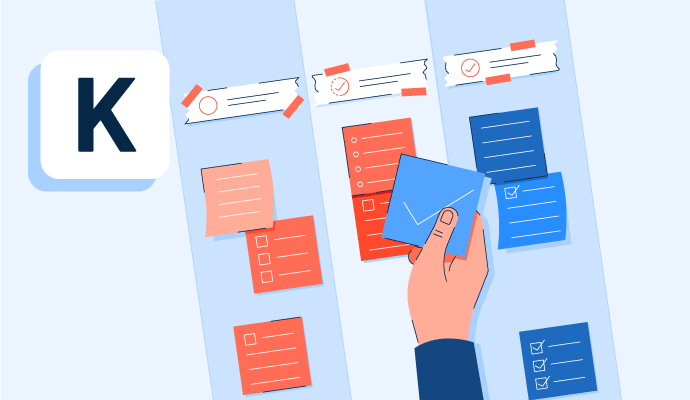
Kanban is a work methodology that monitors work in progress in a visual, board-like manner. Learn more about kanban and how to implement it properly.
by Whitney Rudeseal Peet
Policy and compliance management is a process to centrally manage standards, policies, and internal control processes cross-mapped to external regulatory standards. Learn more about policy and compliance management best practices and the associated benefits.
by Sagar Joshi
Time Tracking Software Discussions
If you lock your system and don’t log back in till 4 hours. ProHance will take your locking time as the log out time, any login post 4 hrs. of system locking will be treated as a new login. In case you log back in before 4 hours then you will get activity away from system popup and then the time from system locking to the time you log back in will be classified under the activity you categorize on the pop up (meeting, telecon break etc.)
Answered: Sohini Patel on September 30, 2020
ProHance captures data when you are logged through VPN. However, if the user is using a client VPN, in some scenarios where the client has not white labeled Prohance, the data may get updated real time in dashboards. Though it will get updated once the user comes out of VPN. The active window for data capture, if you are working on multiple applications it will capture the window you are active and categorize it as per classification.
Answered: Sohini Patel on September 30, 2020
CLIENT leadership has made an exhaustive list of applications/activities across organization which have been configured as productive. There are activities like MS Suite, internal tools etc. also all applications and productive browsing specific to different teams, have been configured as productive on ProHance. In case of there is some application, browsing and research, which is going under unknown or unproductive but should be mapped to productive, there is an SOP to be followed to get it remapped, please reach out to your leads for the same. The configuration can be done separately for different groups or projects. However, it cannot be done differently by user.
Answered: Sohini Patel on September 30, 2020
Time Tracking Software Reports
Mid-Market Grid® Report for Time Tracking
Fall 2026
Grid® Report for Time Tracking
Fall 2026
Enterprise Grid® Report for Time Tracking
Fall 2026
Momentum Grid® Report for Time Tracking
Fall 2026
G2 Report: Momentum Grid® Report
Small-Business Grid® Report for Time Tracking
Fall 2026
Enterprise Grid® Report for Time Tracking
Summer 2026
Small-Business Grid® Report for Time Tracking
Summer 2026
Mid-Market Grid® Report for Time Tracking
Summer 2026
Grid® Report for Time Tracking
Summer 2026
Momentum Grid® Report for Time Tracking
Summer 2026
G2 Report: Momentum Grid® Report