Time Tracking Software Resources
Articles, Glossary Terms, Discussions, and Reports to expand your knowledge on Time Tracking Software
Resource pages are designed to give you a cross-section of information we have on specific categories. You'll find articles from our experts, feature definitions, discussions from users like you, and reports from industry data.
Time Tracking Software Articles
Time Tracking Software Glossary Terms
Billable hours are time spent working on tasks that are chargeable to the client. Learn the best practices for incorporating billable hours into business.
by Holly Landis
Time tracking is the process of employees logging work over a fixed period of time. Learn about time tracking for hourly workers and billable projects.
by Holly Landis
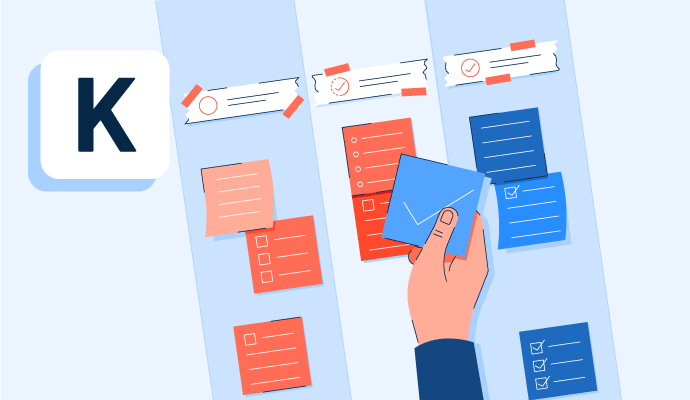
Kanban is a work methodology that monitors work in progress in a visual, board-like manner. Learn more about kanban and how to implement it properly.
by Whitney Rudeseal Peet
Policy and compliance management is a process to centrally manage standards, policies, and internal control processes cross-mapped to external regulatory standards. Learn more about policy and compliance management best practices and the associated benefits.
by Sagar Joshi
Time Tracking Software Discussions
Mine is going great. In reality, I was looking for the website https://www.europeanbusinessreview.com/where-i-can-pay-someone-write-my-paper/ online because I need someone to write my essay for me. I'm not very good at writing essays for school.
Answered: Adele Shook on December 1, 2022
Paychex assisted in the initial set up entering employees, ytd payroll, deductions, etc. It is easy to add a new employee. On screen instructions guide you.
Answered: Karen Caywood on December 2, 2021
Best to get Paychex rep to do a lunch presentation to introduce the ins and outs of Paychex Flex. You could do the self study, but if you are not using all the bells and whistles on day one, you need a tour guide.
Answered: Lydia Joyce on March 1, 2023
Hello Jared! Natalie here with the Customer Care team at When I Work. When Time Clock & Attendance features are added to your plan, you have access to three different time clock types.
The time clock terminal can be set up on a dedicated computer or mobile device (such as an iPad or Android tablet) used for clocking in and out. The mobile time clock allows employees to clock in and out using their own mobile devices, and the personal computer time clock allows them to do the same while logged into their profiles on a computer. We have a Help Center guide that outlines how the Time Clock & Attendance features work in more detail, if you would like to check it out: https://help.wheniwork.com/articles/how-time-clock-attendance-works/
If you have any additional questions we can assist with, don't hesitate to reach out at https://help.wheniwork.com/submit-a-ticket/ - we're here to help!
Answered: Natalie B on December 31, 2021
Answered: Natalie B on December 31, 2021
Hi, Kristie here with the Customer Care team at When I Work. When I Work has a time clock as well as attendance features included in both plans. Employees can clock in and out three ways: through the When I Work mobile app on their own phone, through a shared tablet or computer set up as a time clock kiosk at the workplace, or through the web app on a computer. Managers see real-time clock-in status on their dashboard and get notified if someone is late to clock in. Timesheets track automatically and you can export to a payroll provider with one click.
Answered: Kristie Hiner on July 14, 2026
Time Tracking Software Reports
Mid-Market Grid® Report for Time Tracking
Fall 2026
Grid® Report for Time Tracking
Fall 2026
Enterprise Grid® Report for Time Tracking
Fall 2026
Momentum Grid® Report for Time Tracking
Fall 2026
G2 Report: Momentum Grid® Report
Small-Business Grid® Report for Time Tracking
Fall 2026
Enterprise Grid® Report for Time Tracking
Summer 2026
Small-Business Grid® Report for Time Tracking
Summer 2026
Mid-Market Grid® Report for Time Tracking
Summer 2026
Grid® Report for Time Tracking
Summer 2026
Momentum Grid® Report for Time Tracking
Summer 2026
G2 Report: Momentum Grid® Report