Time Tracking Software Resources
Articles, Glossary Terms, Discussions, and Reports to expand your knowledge on Time Tracking Software
Resource pages are designed to give you a cross-section of information we have on specific categories. You'll find articles from our experts, feature definitions, discussions from users like you, and reports from industry data.
Employee Scheduling Software Articles
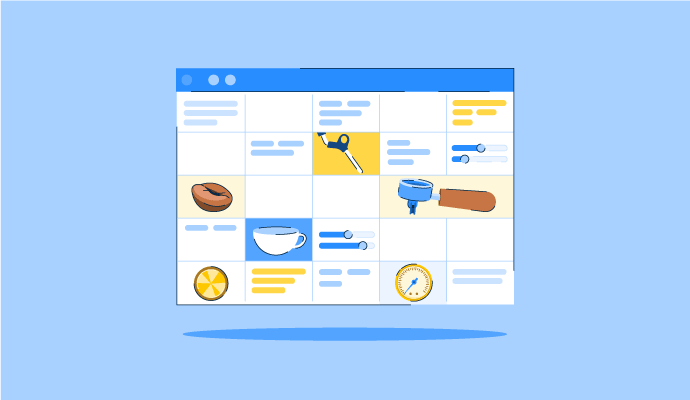
The Perfect Blend: How to Schedule Your Coffee Baristas Like a Pro
Something’s brewing!
by Alexandra Vazquez
Time Tracking Software Glossary Terms

Time Tracking Software Discussions
0
Question on: WebWork Time Tracker
Does WebWork record your screen?
yes
WebWork takes random screenshots of the user's PC. It has 4 screenshot modes to choose from. The owner/employer can set different screenshot modes for each user individually.
Yes and I believe depends on your subscription you can view what the user is doing even when tracker is turned off
0
Question on: DeskTime
What is the best way to usage time of app or a website?
Both. I think of app and web app as a team. App tracks and web app analyzes or tracks when I am working from a new computer.
Hello there, Abhishek!
Thank you for your query!
From our point of view, both are inseparable, as the installed DeskTime desktop app gathers the data, but with the Web app, you can see and analyze this data.
We suggest checking out our Demo page for some guidelines on the best practices on how to use the app: https://desktime.com/demo
If there are any additional questions, you are more than welcome to reach out to us: https://desktime.com/support
Or schedule a Support call when it is suitable for you :arrow_right: https://calendly.com/desktimesupport
Have a good one!
0
Question on: DeskTime
can you little bit modify it,to give better control to enduser
highlighting auto off and on
Hi there, Muddasir!
Thank you for the suggestion!
Could you please elaborate on what options you would like to have as an end-user?
We love to receive our users' ideas on how to improve the app, so you are more than welcome to let us know on our Feature request page ➡ https://desktime.com/feature-requests
If there are any additional questions, you are more than welcome to reach out to us ➡ https://desktime.com/support
Have a productive day ahead!
Time Tracking Software Reports
Mid-Market Grid® Report for Time Tracking
Fall 2026
G2 Report: Grid® Report
Grid® Report for Time Tracking
Fall 2026
G2 Report: Grid® Report
Enterprise Grid® Report for Time Tracking
Fall 2026
G2 Report: Grid® Report
Momentum Grid® Report for Time Tracking
Fall 2026
G2 Report: Momentum Grid® Report
Small-Business Grid® Report for Time Tracking
Fall 2026
G2 Report: Grid® Report
Enterprise Grid® Report for Time Tracking
Summer 2026
G2 Report: Grid® Report
Small-Business Grid® Report for Time Tracking
Summer 2026
G2 Report: Grid® Report
Mid-Market Grid® Report for Time Tracking
Summer 2026
G2 Report: Grid® Report
Grid® Report for Time Tracking
Summer 2026
G2 Report: Grid® Report
Momentum Grid® Report for Time Tracking
Summer 2026
G2 Report: Momentum Grid® Report