Inventory Control Software Resources - Page 6
Articles, Glossary Terms, Discussions, and Reports to expand your knowledge on Inventory Control Software
Resource pages are designed to give you a cross-section of information we have on specific categories. You'll find articles from our experts, feature definitions, discussions from users like you, and reports from industry data.
Inventory Control Software Articles

10 Best Free Inventory Management Software: My Picks (2027)
To find the best free inventory management software in 2027, I examined 30+ products on G2’s inventory management software category page and narrowed the list to Xero, QuickBooks Online, Cin7 Core, Zoho Inventory, Kintone, EZO EAM, Streamline, Webgility, Timly, and inFlow Inventory.
by Barkha Bali
What is Inventory Optimization? Benefits and Proven Techniques
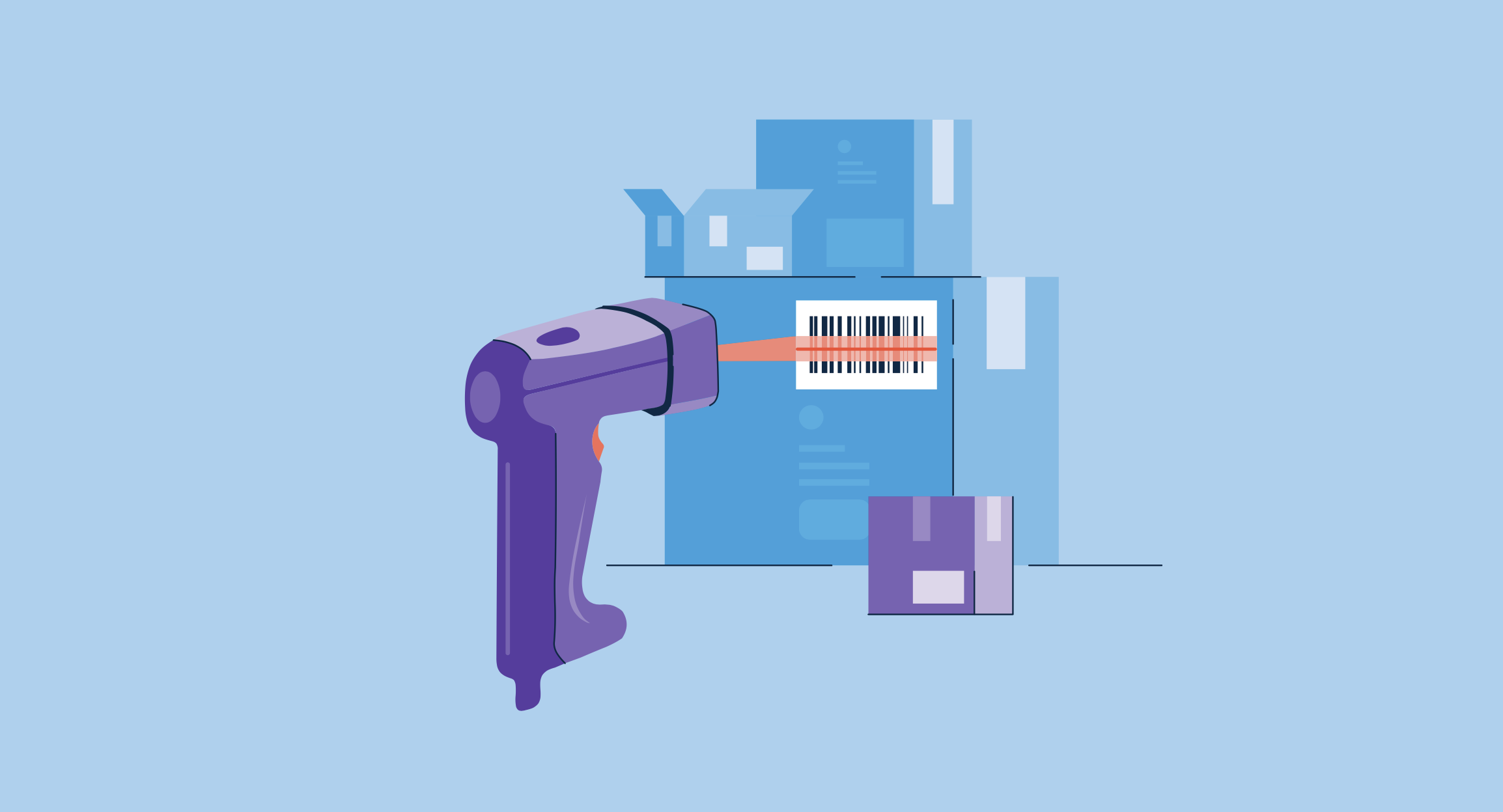
Something’s lurking in the dark corner of your warehouse. It’s the deadstock.
by Harshita Tewari
How to Improve Stock Control With a Barcode Inventory System
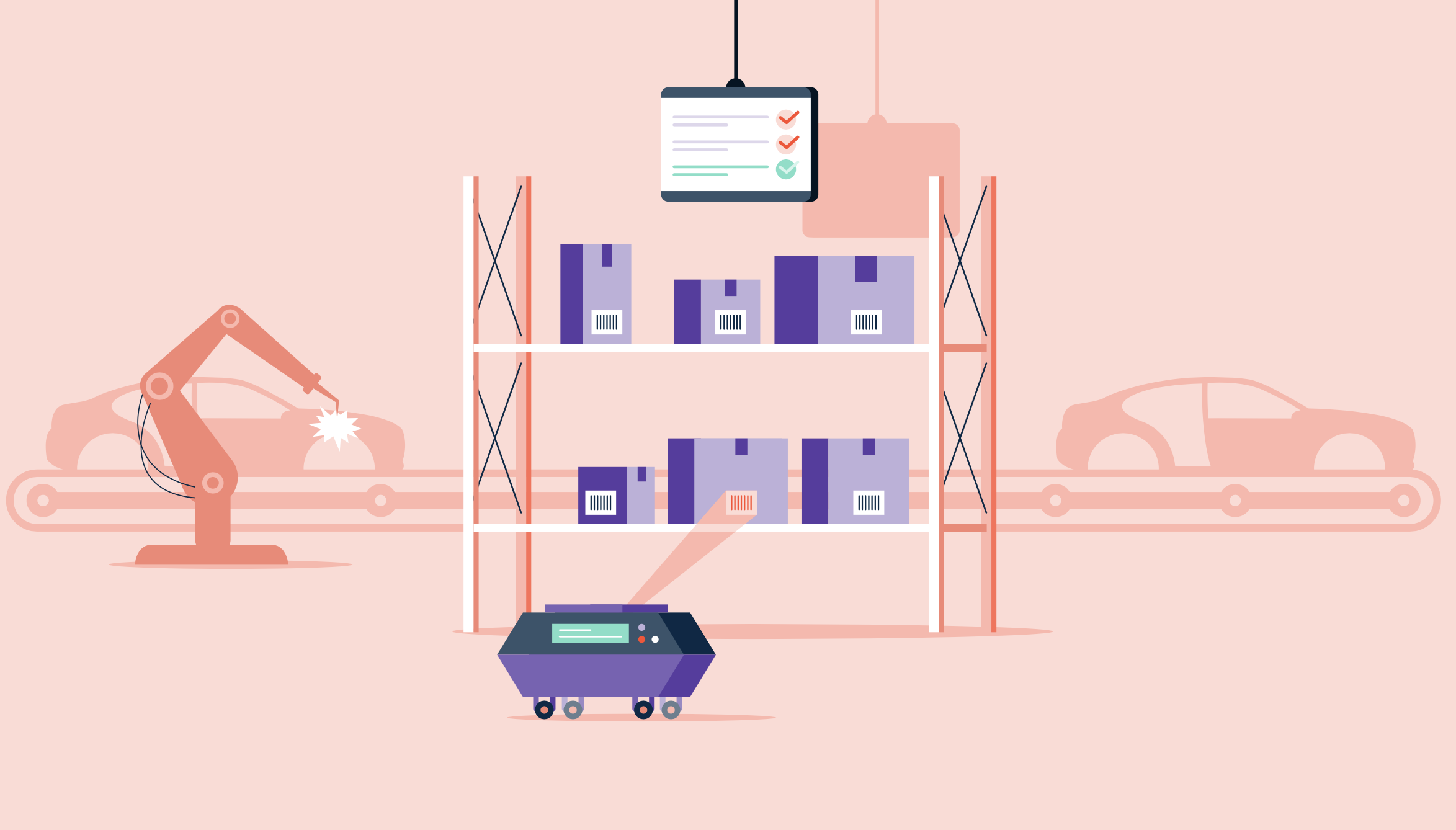
Do you like the “beep” noise your items make as they’re scanned at the grocery store? Then boy, do I have the inventory system for you.
by Alexandra Vazquez
The Benefits and Types of Manufacturing Inventory Management
Keeping track of all the goods in your inventory is easier said than done.
by Adithya Siva
How G2 Helps Supply Chain Vendors Seize Market Momentum
The COVID-19 pandemic permanently altered the fabric of society, and the supply chain is no exception. Throughout 2020 and 2021, inventory management tools dominated the industry to combat chronic stockouts due to surging demand and international discrepancies in COVID-19 safety protocols.
by Anthony Orso
Barriers Toward Adopting AI and Analytics in the Supply Chain
I recently attended the Tableau Conference, where I indulged my nerdiness for four days. As a self-described data science evangelist, I was thrilled to see autoML, natural language generation, and other advanced automation features be added to Tableau, one of the world’s leading data visualization and business intelligence platforms.
by Anthony Orso
Ukraine Crisis Poses a New Threat to the Global Supply Chain
In G2’s 2022 Digital Trends, I discussed the difficulties facing the global supply chain and business strategies to overcome them. I identified international discrepancies in health regulations to fight the COVID-19 pandemic and geopolitical tensions as major obstacles toward achieving a stable supply chain and economy.
by Anthony Orso
How to Calculate Inventory Turnover in 2019
ERP systems provide many metrics to track inventory performance such as inventory turnover.
by Gabriel Gheorghiu
Inventory Control Software Glossary Terms

Inventory Control Software Discussions
0
Question on: Katana Cloud Inventory
Which devices are best for using Katana's barcoding feature?
We're in the process of implementing Katana and would like to utilize the barcoding feature. We are planning to have some sort of tablet and scanner in our inventory rooms, but are wondering which device works well, specifically the type of tablet and scanner. Any recommendations would be much appreciated!
Hi Ryan,
Any USB or Bluetooth scanner will do nicely. Usually, the best choices tend to be in the €/$ 80-150 price range. The scanner brand ‘Datalogic’ is a safe choice as an example.
A fancy scanner is not required with Katana (a scanner that looks more like a smartphone with its own screen and software), as we don't support these smart scanners currently.
Our team here is using a corded Zebra DS2208 scanner specifically for testing, but any similar model with Bluetooth can be even more usable with a tablet.
For tablets we would suggest something with screen size more than 9 inches in diameter and sufficient performance. Anything from Samsung and Apple is good, but also other manufacturers if it’s new and not on the cheap end will be fine.
For futureproofing we recommend latest models, there you can be sure that all the software updates are available for multiple years, so no foreseeable need to change the tablet.
As an additional tip, if you'd like to futureproof even more we suggest getting a scanner that can handle QR codes as well. Barcodes in Katana are 1D, but one day whatever you’re scanning might use QR codes (2D) — which are becoming increasingly common. Such a scanner will read all regular barcodes, but also QR when/if needed.
Hope that helps!
0
Question on: QuickBooks Online
Can you have both the Desktop version and the online version? Or is that pretty much redundant because it is unecessary.
You can have both but they don't natively sync to each other. You would have to export the data from one system to import to the other.
0
Question on: Sortly
How can I cleanly enter serial numbers in for my equipment?
Hello Krystal! Regina from Sortly here. To add variables such as serial numbers, we recommend using custom fields. To learn how to add custom fields in Sortly, visit our Help Center article on the topic: https://help.sortly.com/hc/en-us/articles/360000746892-How-to-create-a-custom-field-in-Sortly-
If you have additional questions, please reach out to our Support team at support@sortly.com and they would be happy to assist. Hope this helps!
Inventory Control Software Reports
Mid-Market Grid® Report for Inventory Control
Fall 2026
G2 Report: Grid® Report
Grid® Report for Inventory Control
Fall 2026
G2 Report: Grid® Report
Enterprise Grid® Report for Inventory Control
Fall 2026
G2 Report: Grid® Report
Momentum Grid® Report for Inventory Control
Fall 2026
G2 Report: Momentum Grid® Report
Small-Business Grid® Report for Inventory Control
Fall 2026
G2 Report: Grid® Report
Enterprise Grid® Report for Inventory Control
Summer 2026
G2 Report: Grid® Report
Small-Business Grid® Report for Inventory Control
Summer 2026
G2 Report: Grid® Report
Mid-Market Grid® Report for Inventory Control
Summer 2026
G2 Report: Grid® Report
Grid® Report for Inventory Control
Summer 2026
G2 Report: Grid® Report
Momentum Grid® Report for Inventory Control
Summer 2026
G2 Report: Momentum Grid® Report