Biometric Authentication Software Resources
Articles, Glossary Terms, Discussions, and Reports to expand your knowledge on Biometric Authentication Software
Resource pages are designed to give you a cross-section of information we have on specific categories. You'll find articles from our experts, feature definitions, discussions from users like you, and reports from industry data.
Biometric Authentication Software Articles
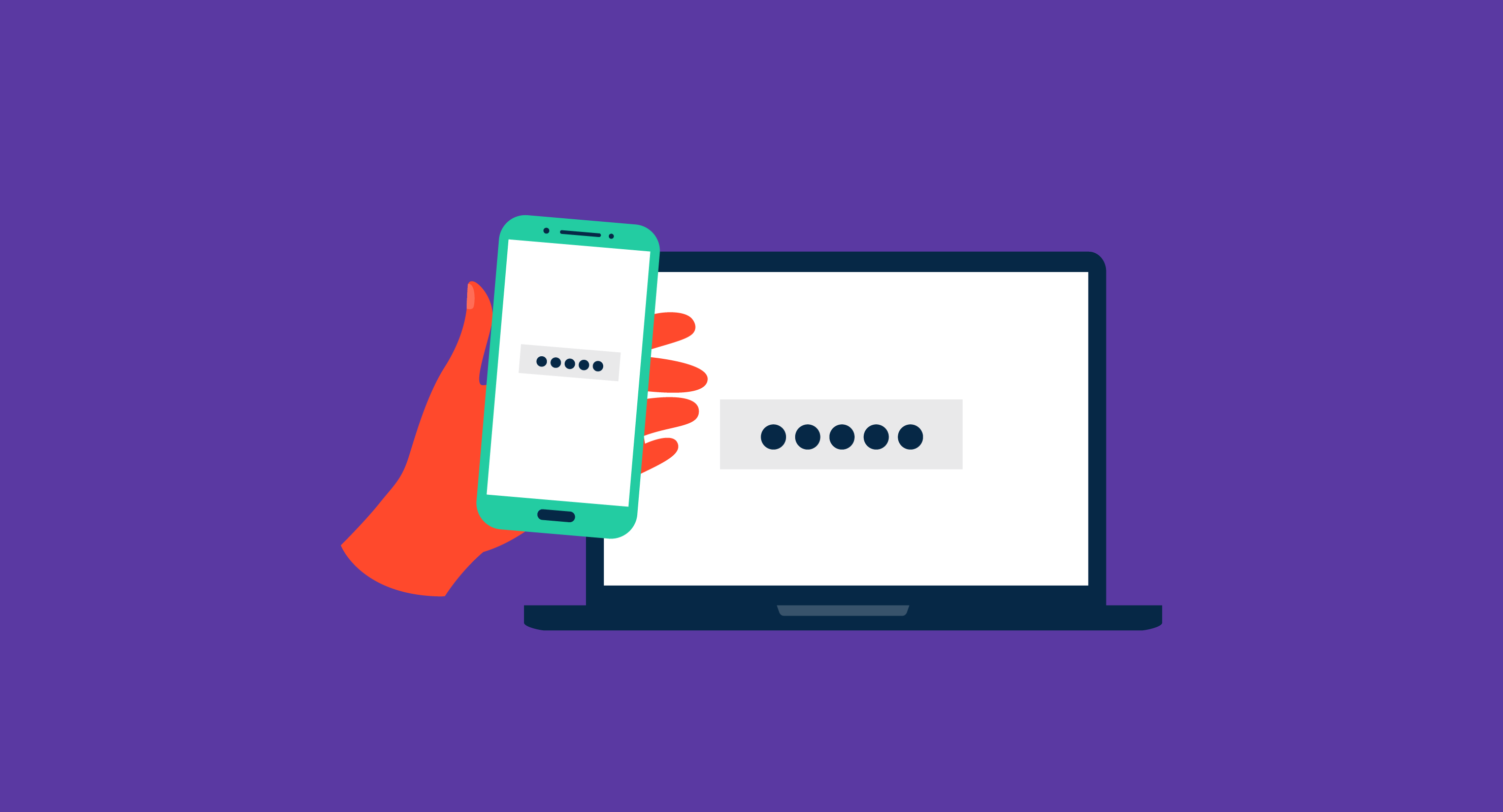
What is Multi-Factor Authentication (MFA)? Types and Benefits
The Things Have Eyes: An Introduction to IoT
Biometric Authentication Software Glossary Terms
Biometric Authentication Software Discussions
How has identity fraud evolved and what are current threats?
What is the difference between identity verification and authentication?
If you’re looking for the best tools to strengthen access security with multiple biometric factors, several highly rated platforms stand out. These solutions combine biometrics like fingerprint, facial recognition, and liveness detection with other identity checks to create layered authentication workflows. Based on the biometric authentication software category, here’s a breakdown by business type and security needs:
Solutions for Small and Mid-Sized Businesses
NordPass Business – NordPass Business includes biometric logins such as fingerprint and face ID, layered with encrypted password vaults and MFA policies. It’s a simple yet powerful option for SMBs prioritizing both convenience and compliance.
1Password – 1Password offers biometric authentication (fingerprint or face) alongside MFA options like security keys and OTPs. Small teams often use it to protect shared credentials with multiple layers of access control.
Platforms for Mid-Market Companies
Keeper Password Manager – Keeper integrates biometric login with additional MFA features like DUO push, security questions, and hardware tokens. It’s ideal for mid-market teams that need flexible, policy-driven authentication workflows.
Cisco Duo – Cisco Duo supports biometric login combined with MFA factors such as push notifications, SMS, or hardware keys. It’s widely adopted by organizations rolling out zero-trust frameworks to secure workforce logins.
Enterprise-Grade Platforms
Entrust IDV (formerly Onfido) – Entrust IDV provides advanced biometrics (facial recognition, liveness, and document verification) layered with adaptive risk-based authentication. Large enterprises use it for high-assurance identity verification during both onboarding and ongoing access.
ComplyCube – ComplyCube offers multi-factor biometric authentication with face matching, liveness detection, and AML checks. Enterprises value it for embedding strong compliance and fraud prevention into remote identity verification workflows.
These platforms provide flexibility for different industries and company sizes, ensuring authentication goes beyond “just one factor” to reduce risk and maintain compliance.
Multi-factor biometrics seem to be gaining traction, especially for industries like banking and healthcare. For those who’ve implemented them, did adding multiple biometric checks slow down login workflows, or did users adapt quickly to the extra steps?