Articles, Glossary Terms, Discussions, and Reports to expand your knowledge on 3D Modeling Software
Resource pages are designed to give you a cross-section of information we have on specific categories. You'll find articles from our experts, feature definitions, discussions from users like you, and reports from industry data.
Technology has made quantum leaps in the field of education. From learning at a single-room school to surfing for any information with a few clicks, technology has helped make education and learning increasingly engrossing for students.
Building information modeling (BIM) is an all-inclusive process of generating and handling information for a constructed asset. Learn more about its types.
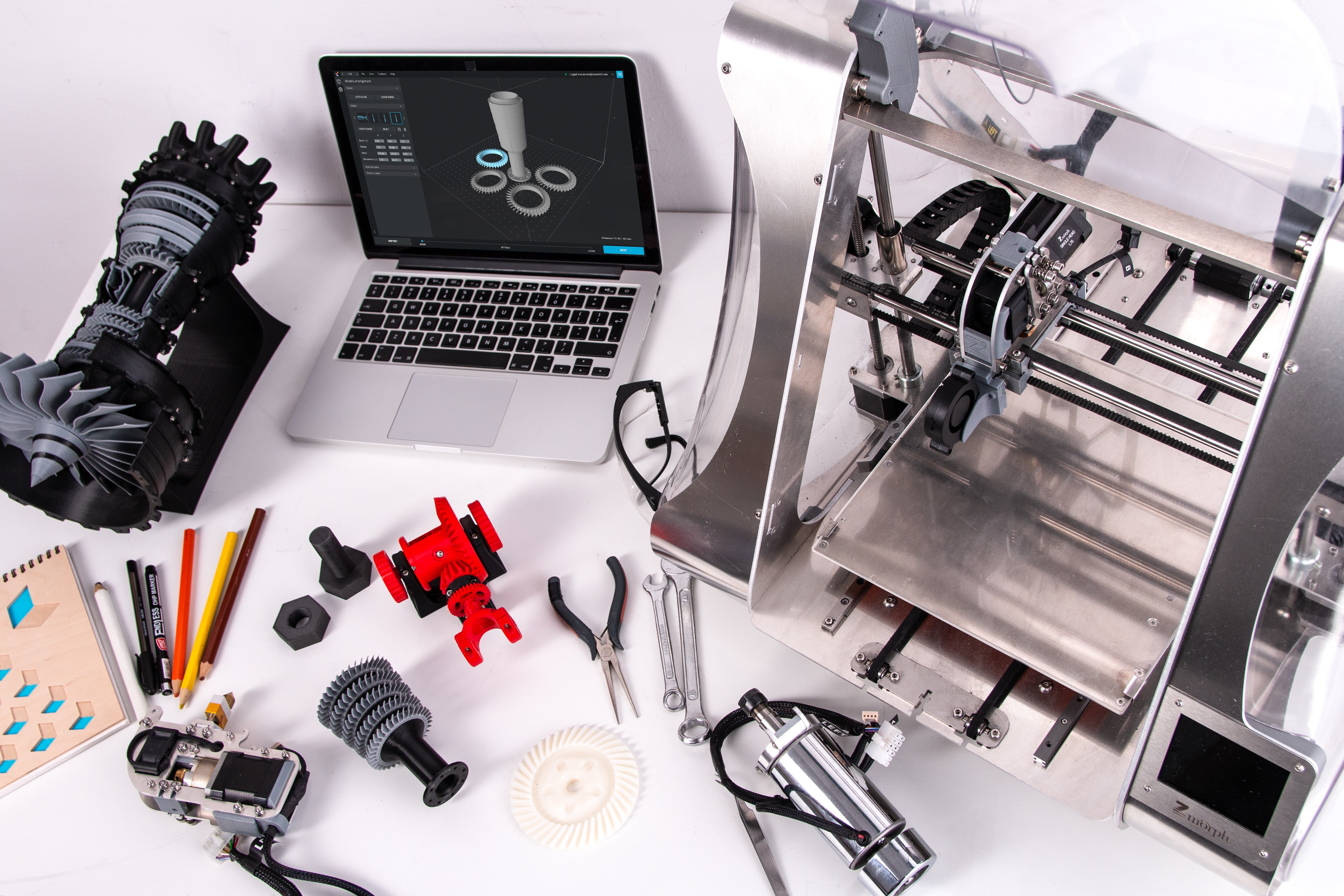
3D printing is an additive method that builds up layers of material to form a three-dimensional object. Read about its types, technologies, and utilities.
Yes, I am waiting for their answer 8 days. No respond !!!
Answered: Vardan Petrosyan on November 21, 2019
I've actually had good help with their customer service now. In the beginning they gave me very bad advice, or weren't clear. I ended up having to do some of the work more than once and wasted a lot of time because they didn't explain things properly. Once I got through that things went a bit more smoothly.
Answered: Diana DeRosa on November 21, 2019
I have yes, they have been charging my account after I cancelled and are refusing to refund the charges and are refusing to close my account without me paying more, I don’t know how this isn’t illegal
Answered: Sam Olorenshaw on June 9, 2021
By Anonymous
Many binary operations are rippers. I invested about $320,000 then i decided to withdraw after several week but the withdrawal wasn't successful, then I tried to contact the binary operation email and phone number, I didn't get any response from them that was when everything started looking weird. Some weeks later I got a mail from them insisting I should invest more money if I want to withdraw my money which I rejected, and I never hear from them again that was when I knew I had been scammed. I was really devastated at those moment and felt so bad that my hard earn money is gone. After some month I came across a lot of testimonies on many bitcoin site how borsatom320@gmail.com had helped many people recovered there stolen, scammed or duped money on bitcoin or any other form on digital currency. I contact them and they promised to help me get my money back, asked me some personal details of the scammer which I provided. The result was amazing I recovered all my stolen money back within 72 hours I was so
Answered: Natalie Kimberly on March 5, 2022
By Anonymous
Many binary operations are rippers. I invested about $320,000 then i decided to withdraw after several week but the withdrawal wasn't successful, then I tried to contact the binary operation email and phone number, I didn't get any response from them that was when everything started looking weird. Some weeks later I got a mail from them insisting I should invest more money if I want to withdraw my money which I rejected, and I never hear from them again that was when I knew I had been scammed. I was really devastated at those moment and felt so bad that my hard earn money is gone. After some month I came across a lot of testimonies on many bitcoin site how borsatom320@gmail.com had helped many people recovered there stolen, scammed or duped money on bitcoin or any other form on digital currency. I contact them and they promised to help me get my money back, asked me some personal details of the scammer which I provided. The result was amazing I recovered all my stolen money back within 72 hours I was so
I imported some models for differents modeling tools and some of them get the size and directions completly corrupted. Is there a way I can check the compatibilty before import
3DS Max outputs its models as right handed models which most 3D packages use, Blender outputs models that are left handed. Unity uses the left handed coordinate system so Blend files for instance will import at the same orientation as they appear in Blender. I've found FBX models to not do this however Unity will rotate these models but you have to take this into account when setting transforms in script or you will get weird results. I've found it easier to attach your model to an empty GameObject as a parent and have the script modify the transfrom of that instead of the model itself.
Answered: Matt Alexander on October 3, 2019
Usually 3ds Max, Maya and Cinema4D all are used professionally to author models into Unity. Autodesk is more "Unity" friendly than Cinema4D or even the free software Blender.
All versions have to be made Unity ready by making sure "Y" is up for Unity and also the version of FBX supported by Unity. (Eg: FBX version 2016/17 vs 2019)
It's fascinating to me, which is why I want to pay attention to how well-liked cryptocurrencies are right now and how much they influence other markets. It's no secret, in my opinion, that https://chainers.io/ offers an excellent gaming environment in the nft universe that allows you to essentially design anything you choose and is incredibly engaging. Because you can both truly enjoy yourself and have the opportunity to profit from it.
Answered: Gasparters kalanters on December 13, 2022
Well, you should unload some of plugins like ik2Bsolver.mll, ikSpringSolver.mll, lookdevKit.mll ... till MayaMuscle.mii. You don't need that. Try to use Soft Selection as much as you can ( 'B' hotkey).
Edge Flow is also very important, go to Edit Mesh/Edit Edge Flow, or when your edge loop is selected, hold Shift plus right mouse button. Also, try to use Relax Brush (Surface/Sculpt Geometry Tool. Great and very useful brush.
Very important thing is to create custom UI and custom hotkeys that will speed you up. In Maya, you can make it as you wish and is really user friendly and you can adjust it to your taste.
Be sure that you organize project files properly, that is very important. Set the project folder. Name all files so that you can always find them without waste of time.
Resolution gate should be turned on.
Use camera rig so that you can control the camera in 3D scenes.