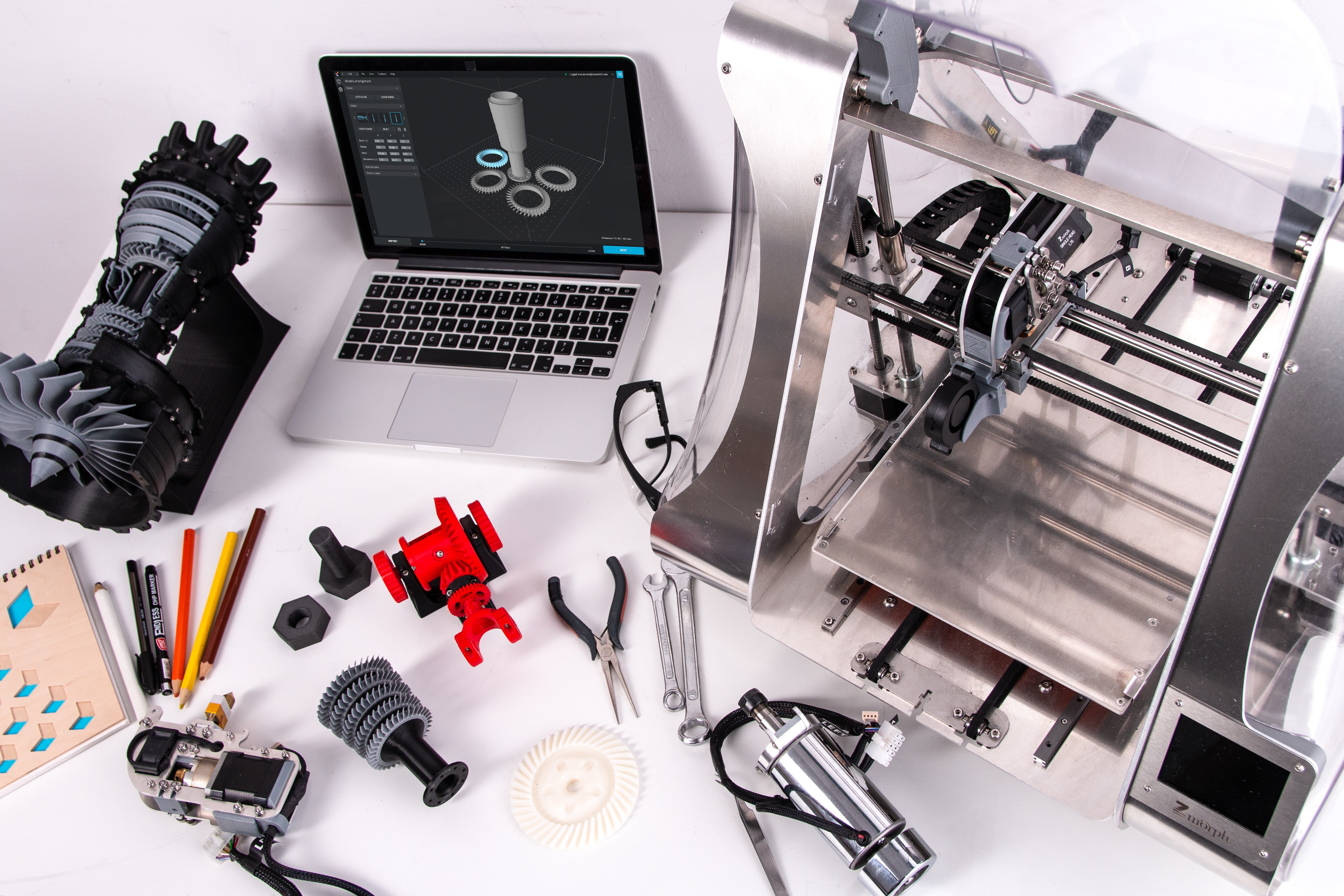
3D Modeling Software Resources
Articles, Glossary Terms, Discussions, and Reports to expand your knowledge on 3D Modeling Software
Resource pages are designed to give you a cross-section of information we have on specific categories. You'll find articles from our experts, feature definitions, discussions from users like you, and reports from industry data.
3D Modeling Software Articles

What Is UV Mapping? How It Makes 3D Models Come to Life
As an artist, you might sketch out a drawing in pencil before deciding to paint.
by Mara Calvello
3D Printing Opens New Horizons in the Field of Education
Technology has made quantum leaps in the field of education. From learning at a single-room school to surfing for any information with a few clicks, technology has helped make education and learning increasingly engrossing for students.

by Anindita Sengupta
Product Design: Create a Product Your Customers Will Love
What’s one thing you use daily?
by Mara Calvello
3D Modeling: How to Grasp the Futuristic Design Concept
There are many concepts we once thought were too futuristic to ever believe.
by Mara Calvello
3D Modeling vs. CAD vs. BIM: What's the Difference?
Computers have become a vital part of almost every industry, but where computers are truly revolutionary is within design industries.
by Lauren Fram
3D Modeling Software Glossary Terms

3D Modeling Software Discussions
0
Question on: 3ds Max Design
How do I learn python with 3ds max
3ds max is very powerful tool and very open regards of tool development, I wonder if I want to start to build python based tool, how and where should I start? I know there is echo function in there but where do I hit the "execute button" or something ....
You can generate a script in 3ds max of your required function, generate a toolbar tab from customize setting, drage that script on new toolbar, its generate a button, name that button, save it, each time you press that button your script function recall again and again.
0
Question on: Maya
Why blendshapes are not working when we export from maya
Why blendshapes are not working when we export from maya to JS Format, That can be consumed in WebGL.
in export property go to deformed modls on and on blend shape on after working
0
I'm trying to make a couple of my team members connect on one Maya project and I don't want to have to create a dedicated server to do so.
Yes you can create a teachers ID and connect it with other IDs as your student
3D Modeling Software Reports
Mid-Market Grid® Report for 3D Modeling
Fall 2026
G2 Report: Grid® Report
Grid® Report for 3D Modeling
Fall 2026
G2 Report: Grid® Report
Enterprise Grid® Report for 3D Modeling
Fall 2026
G2 Report: Grid® Report
Momentum Grid® Report for 3D Modeling
Fall 2026
G2 Report: Momentum Grid® Report
Small-Business Grid® Report for 3D Modeling
Fall 2026
G2 Report: Grid® Report
Enterprise Grid® Report for 3D Modeling
Summer 2026
G2 Report: Grid® Report
Small-Business Grid® Report for 3D Modeling
Summer 2026
G2 Report: Grid® Report
Mid-Market Grid® Report for 3D Modeling
Summer 2026
G2 Report: Grid® Report
Grid® Report for 3D Modeling
Summer 2026
G2 Report: Grid® Report
Momentum Grid® Report for 3D Modeling
Summer 2026
G2 Report: Momentum Grid® Report