Articles, Glossary Terms, Discussions, and Reports to expand your knowledge on Web Application Firewalls (WAF)
Resource pages are designed to give you a cross-section of information we have on specific categories. You'll find articles from our experts, feature definitions, discussions from users like you, and reports from industry data.
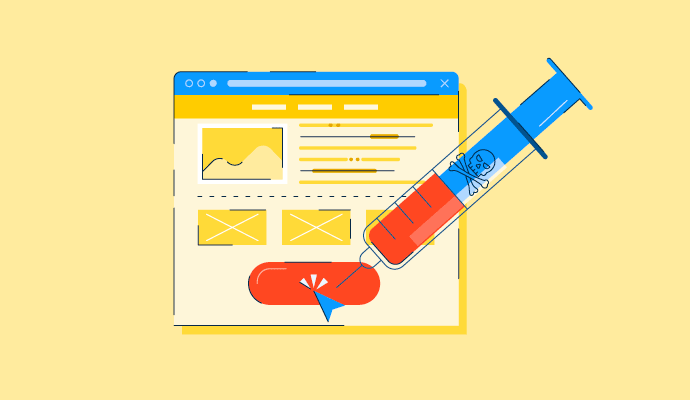
When we think of cyberattacks, we think about data breaches, viruses, and malware, but have you ever heard of cross-site scripting, aka XSS attacks? Probably not. Even though it’s one of the most notorious and common threats in web applications we use today. So what is it?
This post is part of G2's 2023 digital trends series. Read more about G2’s perspective on digital transformation trends in an introduction from Emily Malis Greathouse, director, market research, and additional coverage on trends identified by G2’s analysts.
The concept of cloud computing isn’t new. References to cloud computing have been around since the 1960s, although at the time, “cloud” wasn’t a part of the lexicon. Back then, using remote computing and processing elements was called “network-based.”
Cloudflare Application Security and Performance has felt very seamless for DDoS protection and CDN performance, and it’s helped block spam bots and traffic spikes before they hit the server. It’s also been a set-it-and-forget-it setup that reduces server load and keeps things running smoothly in the background. The main struggle is the dashboard feeling overwhelming, especially when trying to locate specific advanced firewall rules. What tips, shortcuts, or dashboard organization tricks have helped you manage firewall rules without so much searching?
I am using Ctrl+ K (Cmd + K for Mac) than if domain is alrady selected than just type WAF than you can select
WAF
WAF>Custom rulesets
WAF>Managed rulesets
also in home dasbaord for domain selection use Ctrl + K than
domains:yourdomain
A Cloud WAF (Web Application Firewall) service user is typically created or used for a few specific reasons when working with a cloud‑based WAF solution. ::
1. Enables API access for automated tasks (rule deployments, settings changes).
2. Provides secure, segregated access for integrations (e.g., SIEM, ticketing tools).
3. Enables audit and compliance, making it easy to track changes and user activity.
4. Supports least‑privilege access, avoiding use of full admin accounts.
5. Enables programmatic access without exposing credentials of privileged staff.
Answered: Nishant Kandpal on August 22, 2025
A Cloud Web Application Firewall (WAF) is a cloud-based security service that protects websites and APIs from internet-based threats by inspecting and filtering HTTP/HTTPS traffic before it reaches the server. It defends against common attacks such as SQL injection, cross-site scripting, bot abuse, and application-layer DDoS attempts, while also supporting features like IP reputation filtering, geo-blocking, SSL/TLS management, and virtual patching. Being cloud-hosted, it provides scalable, always-on protection without requiring on-premise hardware, ensuring secure and uninterrupted application availability.
Answered: Jitendra Kumar Palai on February 16, 2026
Answered: Muhammad Farrukh Zamir on November 3, 2023
Absolutely worth it! If you have a service that is potential victim of bots, WAF could help you set the rules and limit. For example, if you are operating in a country and the traffic is coming from other countries that doesn't give much value to your resources, you can restrict. Also there are so many other features that will help the website.