Time Tracking Software Resources
Articles, Glossary Terms, Discussions, and Reports to expand your knowledge on Time Tracking Software
Resource pages are designed to give you a cross-section of information we have on specific categories. You'll find articles from our experts, feature definitions, discussions from users like you, and reports from industry data.
Time Tracking Software Articles
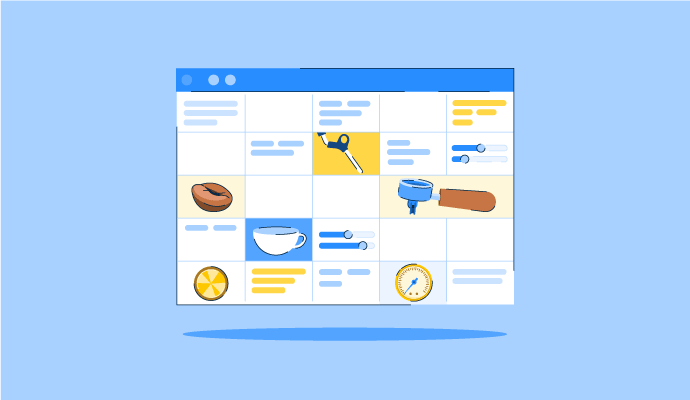
The Perfect Blend: How to Schedule Your Coffee Baristas Like a Pro
Something’s brewing!
by Alexandra Vazquez
Time Tracking Software Glossary Terms
Time Tracking Software Discussions
0
Question on: Hireology
How do you use Hireology?How do you use Hireology?
Show More
Show Less
Hireology is an all-in-one recruiting, hiring, and employee management platform that empowers decentralized businesses to build their best teams. With Hireology, you can access pre-written job descriptions or generate job descriptions using AI to post your job openings. Open jobs are distributed to a number of top sites like Indeed and ZipRecruiter. Applicants then enter into the Hireology platform to be moved through a hiring process that can include interviews, assessment testing, background checks, and reference verification. Hireology also offers onboarding for new hires.
To learn more or talk to someone about getting started, please visit https://hireology.com/request-demo/!
Show More
Show Less
0
Question on: Clockify
Does Clockify take screenshots?Does Clockify take screenshots?
Show More
Show Less
Thank you for your question!
Clockify has a Screenshot feature, available from our Pro plan. Users should download desktop app (Windows/macOS) and the app will take screenshots randomly within five minutes while user's timer is running.
Admins are able to preview screenshots through the web app.
To find more about Screenshots, please see here: https://clockify.me/help/extra-features/screenshots
If you have any additional questions, you're welcome to reach us at support@clockify.me
Cheers!
Show More
Show Less
Yes, the Clockify Pro and higher plans allow for screenshots to be enabled
Show More
Show Less
0
Question on: TripLog
What is a TripLog beacon?What is a TripLog beacon?
Show More
Show Less
Hello, TripLog in efforts to protect privacy of our users have options such as the TripLog Beacon and the TripLog Beacon as alternative methods of tracking options where either hardware can alleviate tracking or even completely move it off the phone onto a device.
https://triplogmileage.com/triplog-drive-gps-mileage-tracker-logger/
https://triplogmileage.com/ibeacon/
Show More
Show Less
The beacon is just a small circular device that you stick in your cupholder, glovebox, or clip to your dash that automatically records travel into trips so you never forget to track your mileage. Tracked a trip that wasn't for work? You have the ability to log in to the app and mark captured trips as either "Business, Personal, Travel, Supply Pickup, or Other". The beacon takes the stress off of non-tech savvy or forgetful individuals with a need for travel slips or travel reimbursement tracking tools.
Show More
Show Less
Time Tracking Software Reports
Mid-Market Grid® Report for Time Tracking
Spring 2026
G2 Report: Grid® Report
Grid® Report for Time Tracking
Spring 2026
G2 Report: Grid® Report
Enterprise Grid® Report for Time Tracking
Spring 2026
G2 Report: Grid® Report
Momentum Grid® Report for Time Tracking
Spring 2026
G2 Report: Momentum Grid® Report
Small-Business Grid® Report for Time Tracking
Spring 2026
G2 Report: Grid® Report
Enterprise Grid® Report for Time Tracking
Winter 2026
G2 Report: Grid® Report
Small-Business Grid® Report for Time Tracking
Winter 2026
G2 Report: Grid® Report
Mid-Market Grid® Report for Time Tracking
Winter 2026
G2 Report: Grid® Report
Grid® Report for Time Tracking
Winter 2026
G2 Report: Grid® Report
Momentum Grid® Report for Time Tracking
Winter 2026
G2 Report: Momentum Grid® Report