Time Tracking Software Resources
Articles, Glossary Terms, Discussions, and Reports to expand your knowledge on Time Tracking Software
Resource pages are designed to give you a cross-section of information we have on specific categories. You'll find articles from our experts, feature definitions, discussions from users like you, and reports from industry data.
Time Tracking Software Articles
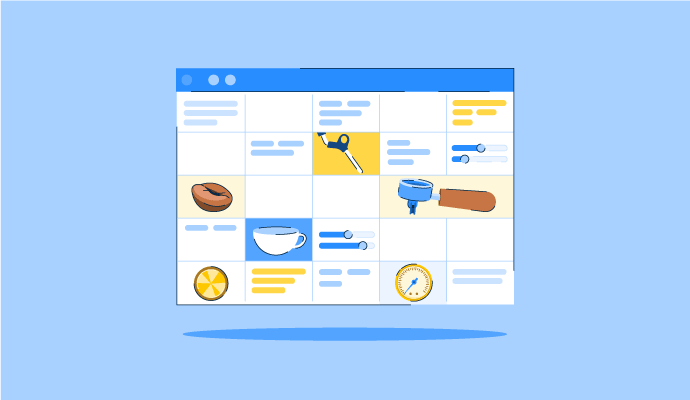
The Perfect Blend: How to Schedule Your Coffee Baristas Like a Pro
Something’s brewing!
by Alexandra Vazquez
Time Tracking Software Glossary Terms

Time Tracking Software Discussions
0
Question on: Accelo
What is Accelo used for?What is Accelo used for?
Show More
Show Less
Project-based service companies - cash to quote.
Show More
Show Less
0
Question on: Hubstaff
What is Hubstaff used for?What is Hubstaff used for?
Show More
Show Less
Time tracking of employees, comes in very handy when your setup is WFH
Show More
Show Less
You can use for below
Time Tracking
Activity Monitoring
Screenshots
GPS Tracking
Payroll Automation
Project & Task Management
Integrations
Show More
Show Less
Hubstaff is used for time tracking, productivity monitoring, and workforce management. It helps teams and businesses understand how time is spent and manage work more effectively.
Specifically, Hubstaff is used to:
Track time spent on projects and tasks (manual or automatic tracking)
Monitor productivity through activity levels and app/URL usage
Manage remote and hybrid teams
Generate reports for payroll, invoicing, and project costing
Set budgets and track project costs
Monitor attendance, schedules, and work hours
Support accountability and performance insights without micromanaging
Overall, Hubstaff helps improve visibility, efficiency, and decision-making for both managers and teams.
Show More
Show Less
Hubstaff is often described as a time tracking and monitoring tool, but its real value lies in how it connects everyday work activity to broader business outcomes. Beyond logging hours, it acts as a bridge between operations and strategy. Managers can use it to see whether projects are staying within budget, to identify inefficiencies that slow down delivery, and to ensure accountability when teams are spread across different locations. Because it captures data in real time, Hubstaff makes it easier to forecast workloads, adjust resources, and maintain transparency with clients or stakeholders. In practice, it’s not just about tracking what employees do—it’s about turning that information into insights that help businesses stay organized, profitable, and scalable.
Show More
Show Less
0
Question on: Zoho Projects
What is Zoho Projects used for?What is Zoho Projects used for?
Show More
Show Less
Zoho is a project management tool, and it is cloud-based, so basically, all the users can access the real-time updated data. You can set up different projects, divide them into sections and tasks, and assign users. It is a very good tool for tracking every single stage of a project, along with timelines.
Show More
Show Less
A project management tool to keep track of deadlines and tasks.
Show More
Show Less
Time Tracking Software Reports
Mid-Market Grid® Report for Time Tracking
Spring 2026
G2 Report: Grid® Report
Grid® Report for Time Tracking
Spring 2026
G2 Report: Grid® Report
Enterprise Grid® Report for Time Tracking
Spring 2026
G2 Report: Grid® Report
Momentum Grid® Report for Time Tracking
Spring 2026
G2 Report: Momentum Grid® Report
Small-Business Grid® Report for Time Tracking
Spring 2026
G2 Report: Grid® Report
Enterprise Grid® Report for Time Tracking
Winter 2026
G2 Report: Grid® Report
Small-Business Grid® Report for Time Tracking
Winter 2026
G2 Report: Grid® Report
Mid-Market Grid® Report for Time Tracking
Winter 2026
G2 Report: Grid® Report
Grid® Report for Time Tracking
Winter 2026
G2 Report: Grid® Report
Momentum Grid® Report for Time Tracking
Winter 2026
G2 Report: Momentum Grid® Report