Server Backup Software Resources
Articles, Glossary Terms, Discussions, and Reports to expand your knowledge on Server Backup Software
Resource pages are designed to give you a cross-section of information we have on specific categories. You'll find articles from our experts, feature definitions, discussions from users like you, and reports from industry data.
Server Backup Software Articles
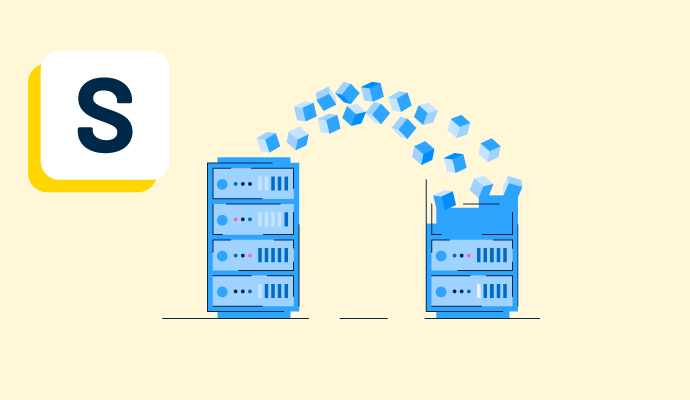
Reducing the High Costs of Data Storage with Data Deduplication
How much data storage do businesses need for storage and backup? Four of the biggest online storage internet companies (Google, Amazon, Microsoft, and Facebook) store at least 1,200 petabytes (PB), which is 1.2 million terabytes (TB). Even for smaller companies, it is remarkable how much data it manages.
by Tian Lin
Backup and Disaster Recovery Software Secure Business Operations
When you work from home, have you thought about what happens when your IT infrastructure goes down? Did you back up your data and have a disaster recovery plan?
by Tian Lin
Server Backup Software Glossary Terms
Server Backup Software Discussions
0
Question on: Axcient x360Recover
What is Axcient x360Recover used for?
Onsite backup to a local appliance which is capable of hosting a bootable VM while also replicating the images to an offsite solution to a remote vault or X360 cloud
BCDR and cloud to cloud back up for MSPs
0
Question on: Azure Backup
What is Azure Backup used for?
for application-consistent backups, which ensure additional fixes aren't required to restore the data.
0
Question on: IDrive Online and SaaS Backup, Object Storage e2
Where can I backup my computer online for free?
Had a bad experience regarding investing my funds, wasn’t easy for me as I was scam severally. I lost almost all of my money until I came across a recovery expert named Jeff. He help and assisted me and helped in terms of recovery my funds . I got my funds recovered in just 4days with just little effort. I will highly and highly recommend LFrescue.org to any scam victim out there or WhatsApp +84 947 671 524.
Or mail Jeffsilbert39 gmail com
The default back up for iDrive is on your Desktop PC or laptop, at least for the automatic back up function. You may chose to back-up to another external device (HDD, SSD) through your computer, or to the cloud (iCloud, DropBox, etc.), and you may chose when and how frequently to set up your automatic back-up (i.e. at 2:00am when No one is using your computers). iDrive is still the cheapest online back up service out there - no one else comes close, and it is reliable and has a fairly easy to use User Interface. -Allan
Google drive
Not sure. I think it's worth a very little bit of money every year to get professional, secure backup.
Server Backup Software Reports
Mid-Market Grid® Report for Server Backup
Fall 2026
G2 Report: Grid® Report
Grid® Report for Server Backup
Fall 2026
G2 Report: Grid® Report
Enterprise Grid® Report for Server Backup
Fall 2026
G2 Report: Grid® Report
Momentum Grid® Report for Server Backup
Fall 2026
G2 Report: Momentum Grid® Report
Small-Business Grid® Report for Server Backup
Fall 2026
G2 Report: Grid® Report
Enterprise Grid® Report for Server Backup
Summer 2026
G2 Report: Grid® Report
Small-Business Grid® Report for Server Backup
Summer 2026
G2 Report: Grid® Report
Mid-Market Grid® Report for Server Backup
Summer 2026
G2 Report: Grid® Report
Grid® Report for Server Backup
Summer 2026
G2 Report: Grid® Report
Momentum Grid® Report for Server Backup
Summer 2026
G2 Report: Momentum Grid® Report