Computer-Aided Manufacturing (CAM) Software Resources
Articles, Glossary Terms, Discussions, and Reports to expand your knowledge on Computer-Aided Manufacturing (CAM) Software
Resource pages are designed to give you a cross-section of information we have on specific categories. You'll find articles from our experts, feature definitions, discussions from users like you, and reports from industry data.
Computer-Aided Manufacturing (CAM) Software Articles
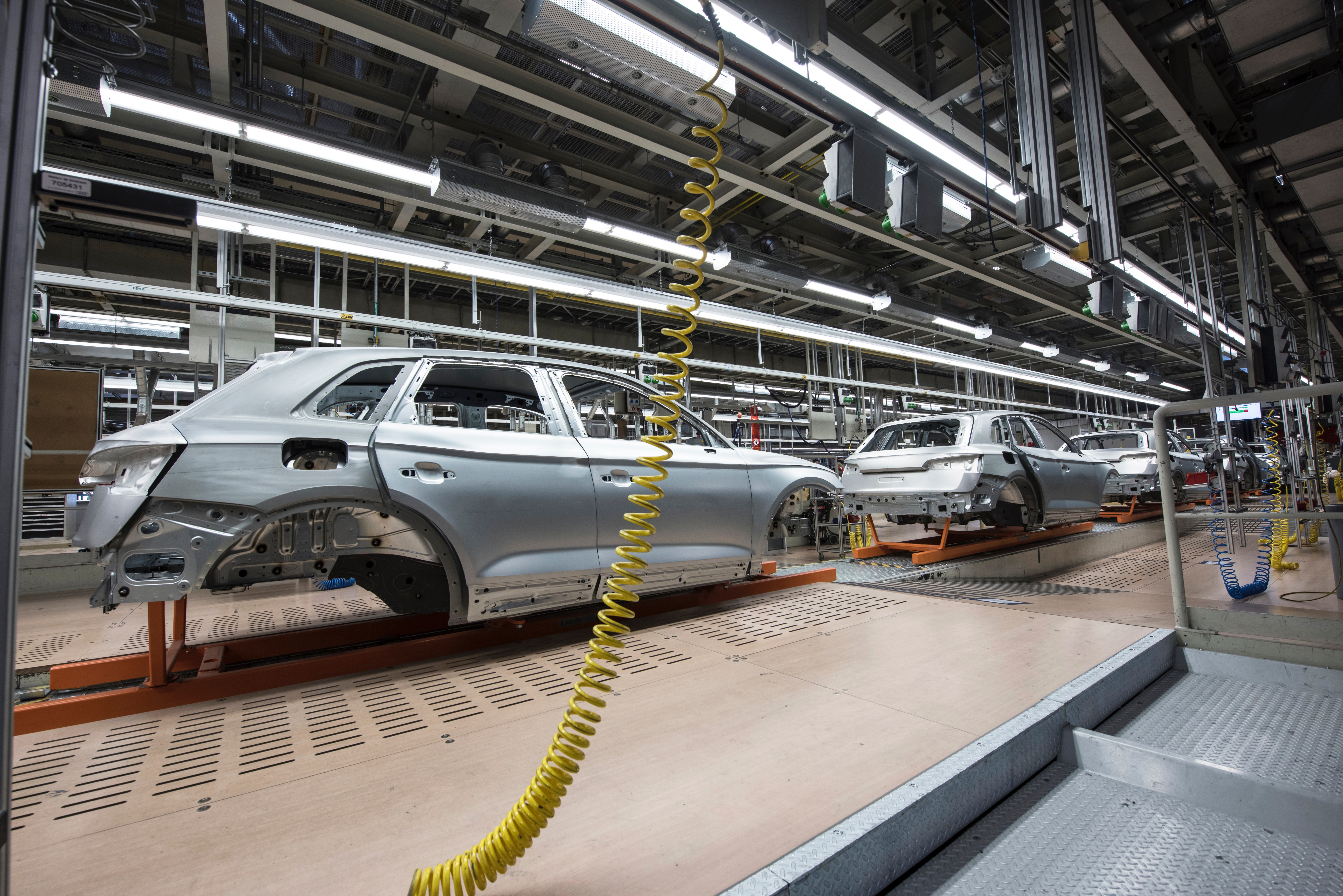
The Relevance of PLM Software in the Manufacturing Industry
Traditional product lifecycle management (PLM) has come a long way—from its genesis as a solution focused on computer-aided design (CAD), offering document management capabilities to its evolution as a SaaS platform that manages the lifecycle of highly complex products.
by Anindita Sengupta
Computer-Aided Manufacturing (CAM) Software Glossary Terms
Computer-Aided Manufacturing (CAM) Software Discussions
0
Question on: GibbsCAM
What is the best way to use this product
When makinng a spiral solid materials
CNC simulation and programming
0
Question on: Autodesk Fusion
I heard years ago 4th axis simultaneous/ axis substitution is coming, when?
wrap option has limitations, it will not clean up wall. Tool does not move on Y axis (indexer on right side on table ) during wrap motion.
check here for more information:
https://www.autodesk.com/products/fusion-360/blog/category/whatsnew/
0
Question on: Autodesk Fusion
Will fusion ever be able to handle large assemblies? Will modeling environment ever resemble inventor?
See page 1
I attended Autodesk University 2019 this past November. I took an hour long class on large assemblies and will give you the answer they gave me.
Large assemblies can be look at 2 different ways. Direct modeling (NO TIMELINE) with thousands of components and bodies or a parametric model with tens of components all with timelines longer than your screen is wide. I am in automotive so large assemblies mean something different to me. 1 seat with every nut, bolt, wire, and frame , etc locks up Fusion if In not careful
So "No" to the large assemblies unless you only use Direct Modeling(DM) - This is not Catia which owns Fusion in this regard. Example: I brought in some automotive data-700 Mb step file. Catia was using about 2.8 Gb ram. Fusion was using 12 Gb of ram (after 45 minutes of work it was using 18 Gb of ram and crashed)
There are a few tricks that can help Fusions performance but these are only workarounds. If you are a designer and you use sculpt mode with parametric modeling, then you need to use all of the tricks available:
-Use linked data (this helps a lot)
-Turn off active component in preferences. Transparency in Fusion eats up a lot of processing power.
-LOD (Level of detail) should be set to low
-Do not turn on anti-aliasing or ambient shadows
-use shaders/ materials without reflective surfaces
-if you have designed a part that will not be changing, consider right mouse clicking on it in the timeline. Turn it into a DM feature. this erases all of the history linked only to THAT part and not the entire file. (BTW, you can only find this feature by right mouse clicking in the timeline at the moment)
I share your frustration with this aspect of Fusion. I am about to start looking into Inventor myself or other software like Creo or SolidWorks. Keep in mind that I use heavy data sets and refuse to use Catia(too complicated and too expensive
Kevin
Computer-Aided Manufacturing (CAM) Software Reports
Grid® Report for Computer-Aided Manufacturing (CAM)
Fall 2026
G2 Report: Grid® Report
Mid-Market Grid® Report for Computer-Aided Manufacturing (CAM)
Fall 2026
G2 Report: Grid® Report
Small-Business Grid® Report for Computer-Aided Manufacturing (CAM)
Fall 2026
G2 Report: Grid® Report
Momentum Grid® Report for Computer-Aided Manufacturing (CAM)
Fall 2026
G2 Report: Momentum Grid® Report
Small-Business Grid® Report for Computer-Aided Manufacturing (CAM)
Summer 2026
G2 Report: Grid® Report
Momentum Grid® Report for Computer-Aided Manufacturing (CAM)
Summer 2026
G2 Report: Momentum Grid® Report
Mid-Market Grid® Report for Computer-Aided Manufacturing (CAM)
Summer 2026
G2 Report: Grid® Report
Grid® Report for Computer-Aided Manufacturing (CAM)
Summer 2026
G2 Report: Grid® Report
Grid® Report for Computer-Aided Manufacturing (CAM)
Spring 2026
G2 Report: Grid® Report
Mid-Market Grid® Report for Computer-Aided Manufacturing (CAM)
Spring 2026
G2 Report: Grid® Report


